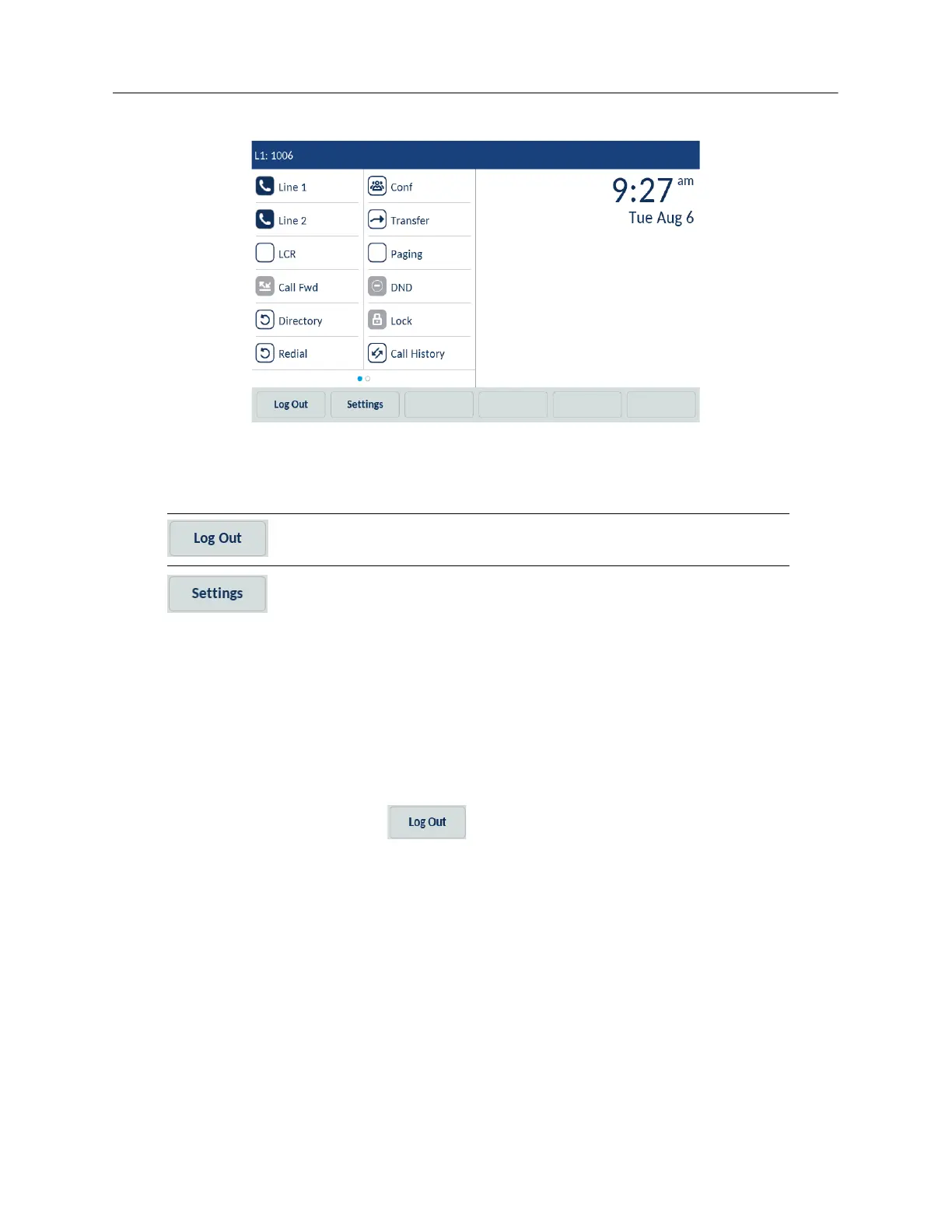
The following table describes the bottom softkeys which are always visible on the Home screen in
the Hotdesk Logged In state:
Note that there can be other bottom softkeys on the Home screen depending on the configurations
made.
Logging out of the Hot Desk
To log out of the Hot Desk, do the following:
1. On the Home screen, tap the (Log Out) softkey, and then tap Log Out again on the
subsequent screen or Login if you did not intend to log out.
Softkey Description
To log out from the current phone extension.
To access the Settings menu.



 To Next Page