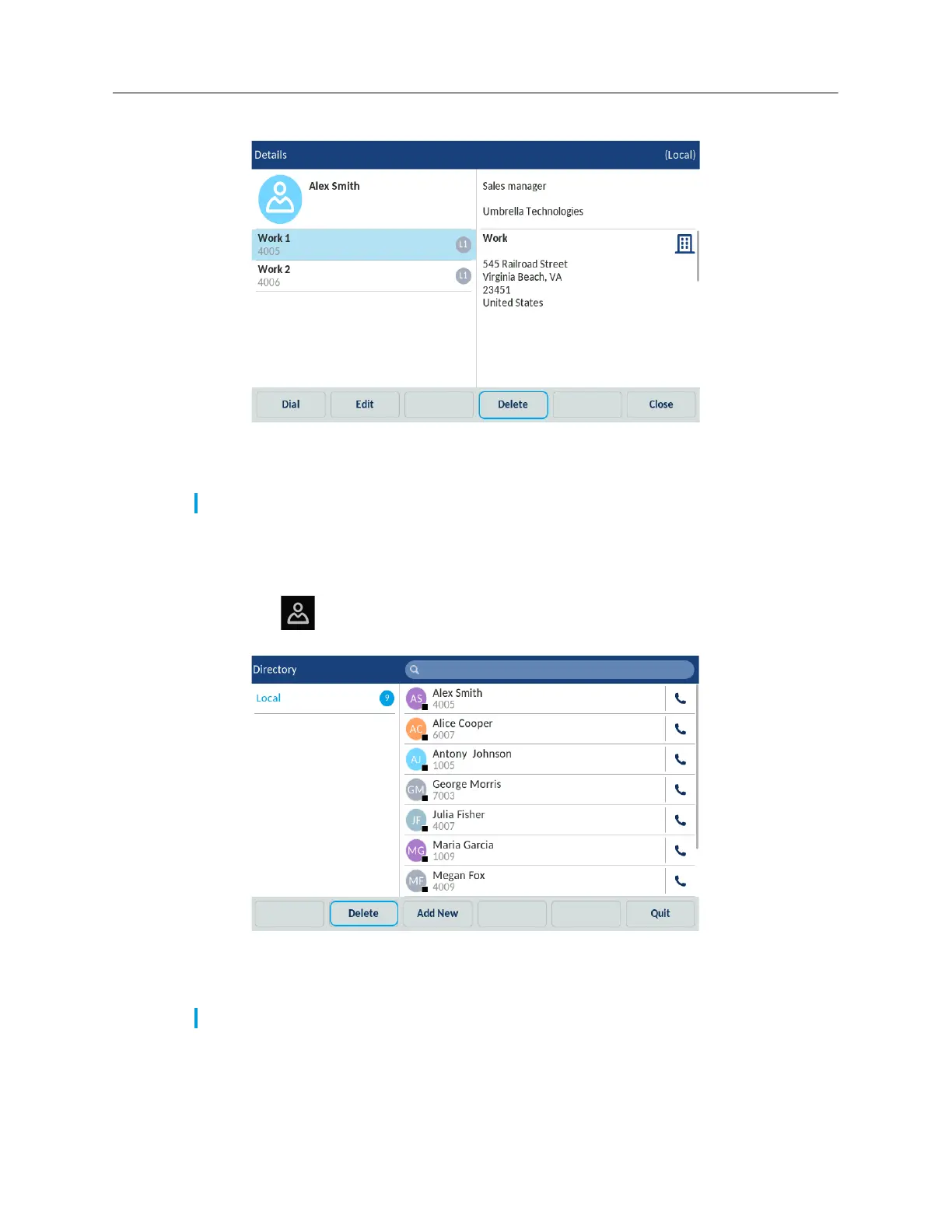
3. Tap to select the applicable contact and tap the Delete softkey.
A delete confirmation message appears on the screen.
4. Tap the Delete softkey to delete the selected contact from the Local Directory.
Deleting all contacts from the Local Directory
To delete all contacts from Local Directory:
1. Press the
(Directory) key.
2. Tap the Delete softkey.
A "Delete all entries in Local?" confirmation message appears.
3. Tap the Delete softkey again to delete all contacts from Local Direcroty.
Note: Tap the Close softkey to cancel the deletion process.
Note: Tap the Cancel softkey to cancel the deletion process.



 To Next Page