Mitel 6970 IP Conference Phone User Guide
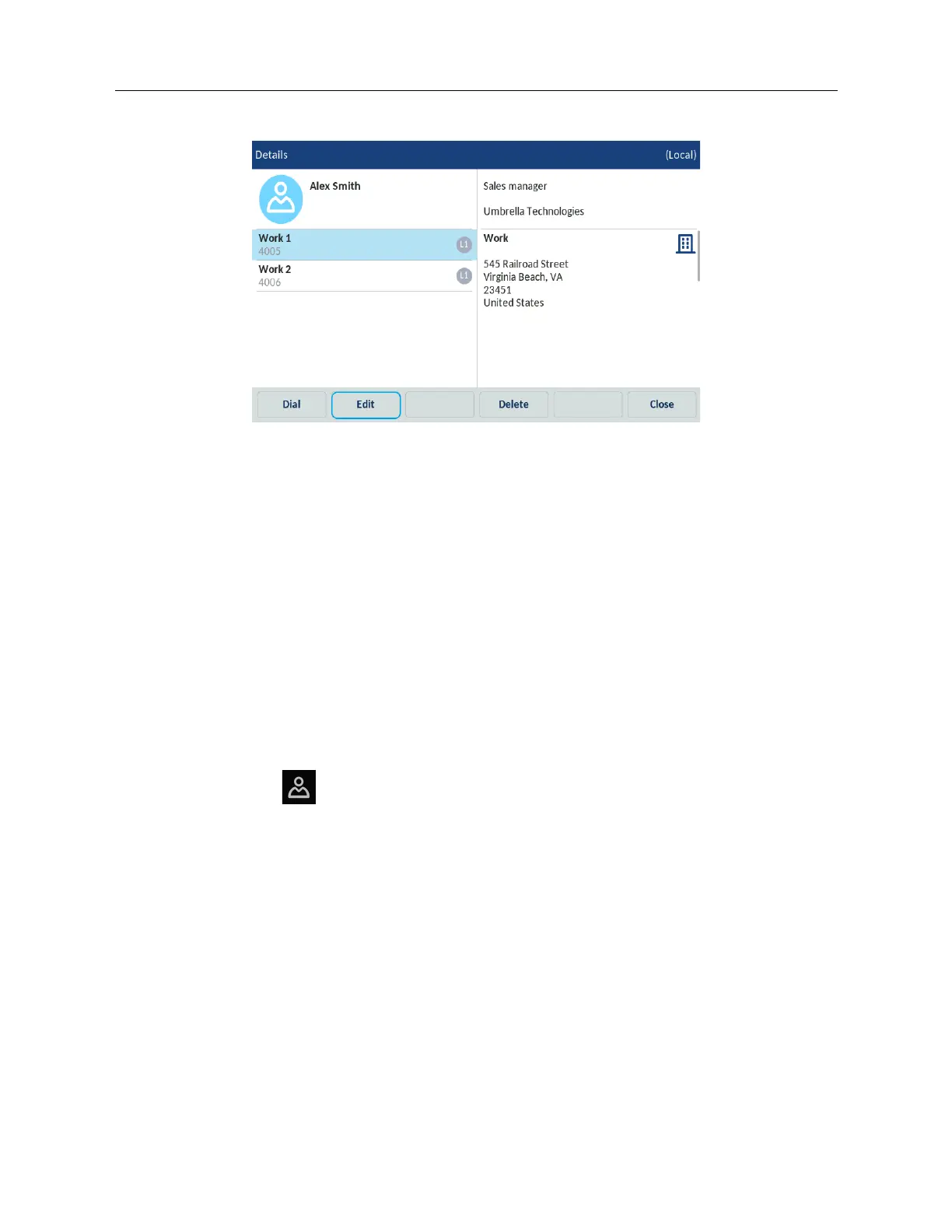
4. In the contact card, tap the Edit softkey.
You can edit the following information using the on-screen keyboard:
• Identity
•Numbers
• Work Address
• Home Address
•Email
5. (Optional) Tap the Delete softkey to remove information from the contact card.
6. (Optional) Tap the Close softkey to return to the list of contacts.
7. After you complete the required changes, tap Save to save the changes.
Deleting a contact from the Local Directory
To delete contacts from the Local Directory:
1. Press the
(Directory) key.
2. (Optional) Tap the search bar, enter the first letters of the contact’s name to initiate the search
function.



 To Next Page