Mitel 6970 IP Conference Phone User Guide
Directory
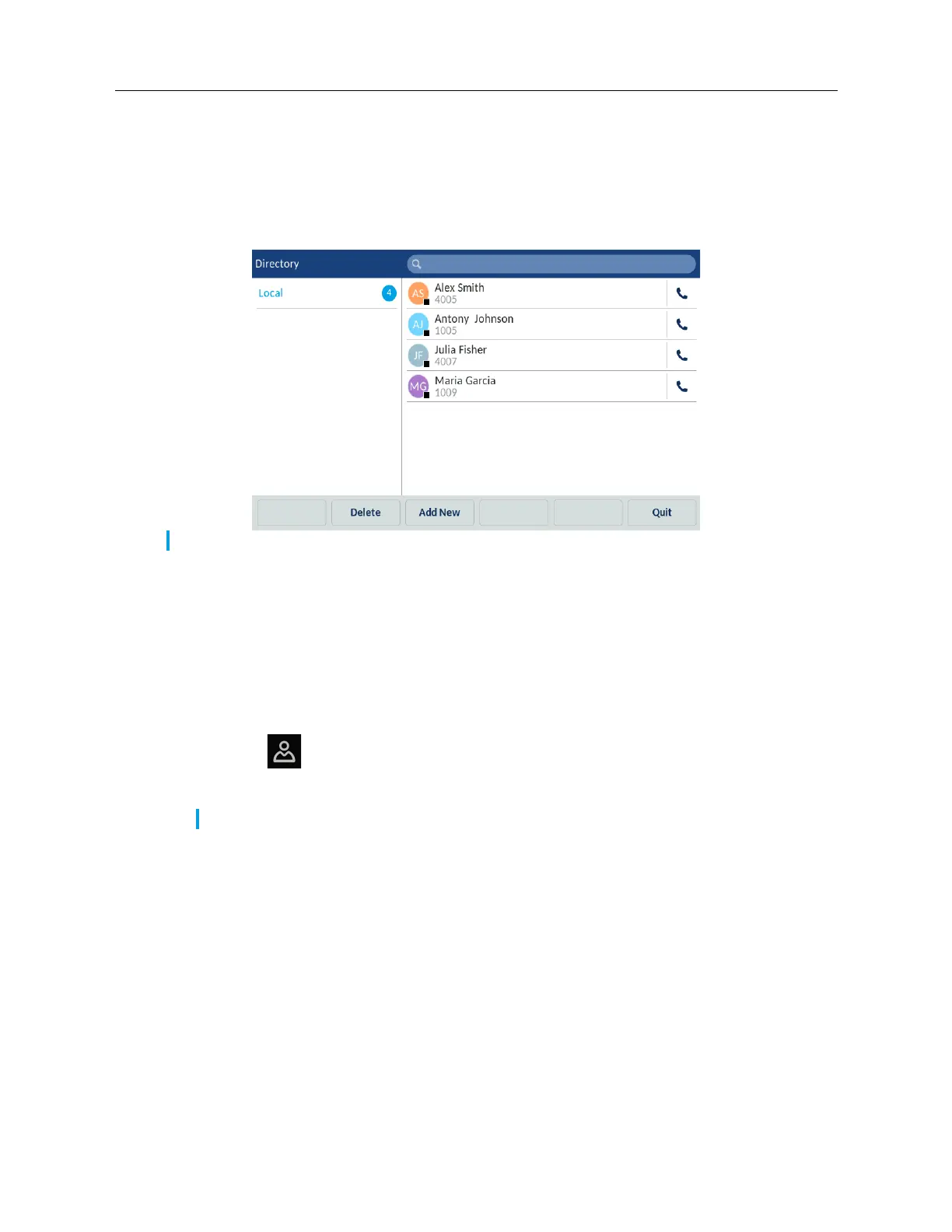
The Directory application provides access to your directory. Directory can contain different contact
folders. By default, there is only Local contact folder available. The other contact folders, such as
Mobile, Corporate or other, must be configured by your System Administrator. The Mitel 6970 IP
Conference Phone also supports a localized Personal contact folder.
For more information about the Directory features, see Mitel 6940 SIP Phone User Guide.
General functions
Accessing and navigating the Directory application
To access and navigate the Directory application:
1. Tap the
(Directory) key.
2. Tap the contact folder you wish to view.
3. In the contacts folder, search the contact that you want to call.
You can do it as follows:
Note: Access to Corporate directories must be set up by your System Administrator.
Note: If the folder you selected is empty, a "Directory empty" message displays on the screen.



 To Next Page