Press the Goodbye key.
If you ignore an incoming call, the (Missed calls) icon with the number of missed calls appears
on the Status bar.
Adjusting the volume
You can use the (Volume down) and the (Volume up) keys to adjust the volume of the
speakerphone.
To adjust the volume of the speakerphone:
1. Tap the (Volume up) key to increase the volume.
2. Tap the (Volume down) key to decrease the volume.
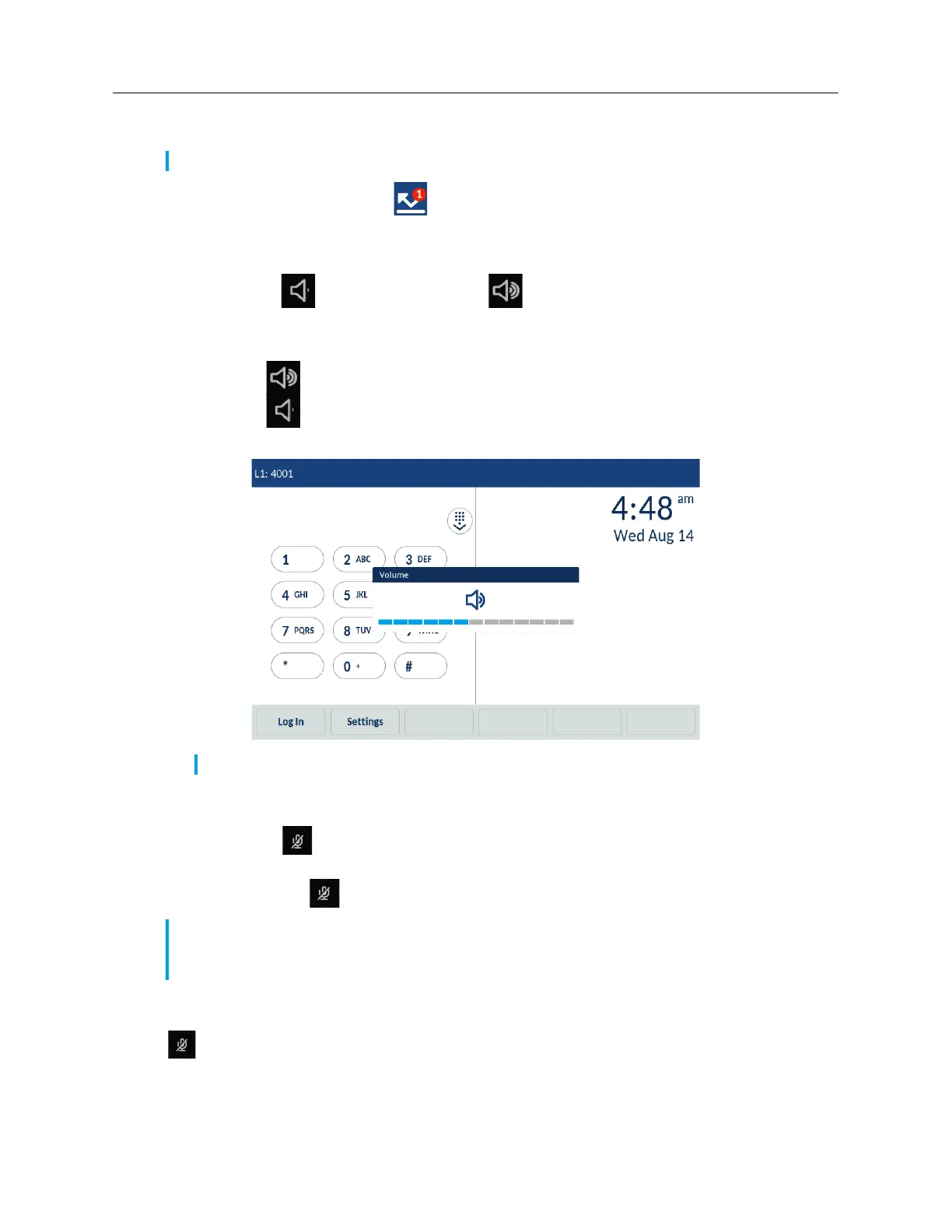
The phone displays a volume level indicator pop-up.
Muting and unmuting a call
You can use the (Mute) keys to mute the call on the phone (there are two Mute buttons - one
below the display and one on the top on the opposite side).
When you press the (Mute) key on your phone, you cannot be heard by others on the call.
The Mute indicators around the phone and the Mute keys illuminate red, and the Mute icon appears
on the Status bar to show that the call on the phone is muted.
To switch mute on or off, press the
(Mute) key. When the phone is unmuted, the indicators turn green again and the Mute icon
disappears on the Status bar.
Note: To immediately silence the ring tone, tap the Silence softkey.
Note: The volume pop-up disappears after a period of time.
Note: The extension microphones to your Mitel 6970 IP Conference Phone also have Mute buttons
on them. Pressing the Mute button on the extension microphone mutes the call (mutes the
microphones on both the phone and the extension microphones).



 To Next Page