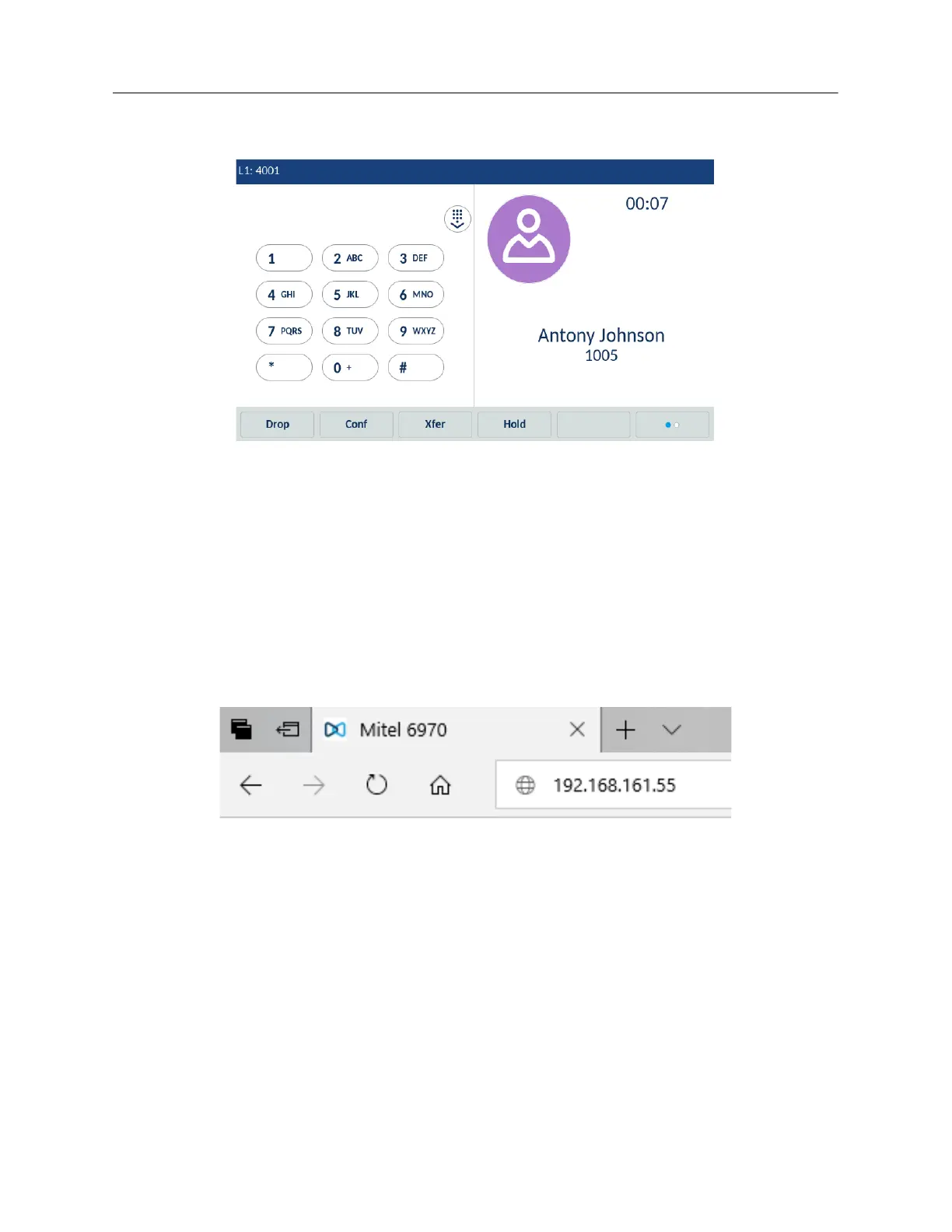
timer, and current time and date. The bottom softkeys also change allowing you access to more call
handling features (such as Conf and Xfer during an active call).
The Call screen contains the same information in both Logged Out and Logged In states.
Phone options through the Mitel Web UI
In addition to the IP phone UI options, you can customize options on the IP phone using the Mitel
Web UI. In order to access your phone using the Mitel Web UI, you need to know your phone’s IP
address. To find your IP address, tap Settings > Status > Network. For more details, see
“Status” on
page 58
.
Using the Mitel Web UI
1. Open your web browser, enter the phone’s IP address or host name into the address field
and press Enter.



 To Next Page