Mitel 6970 IP Conference Phone User Guide
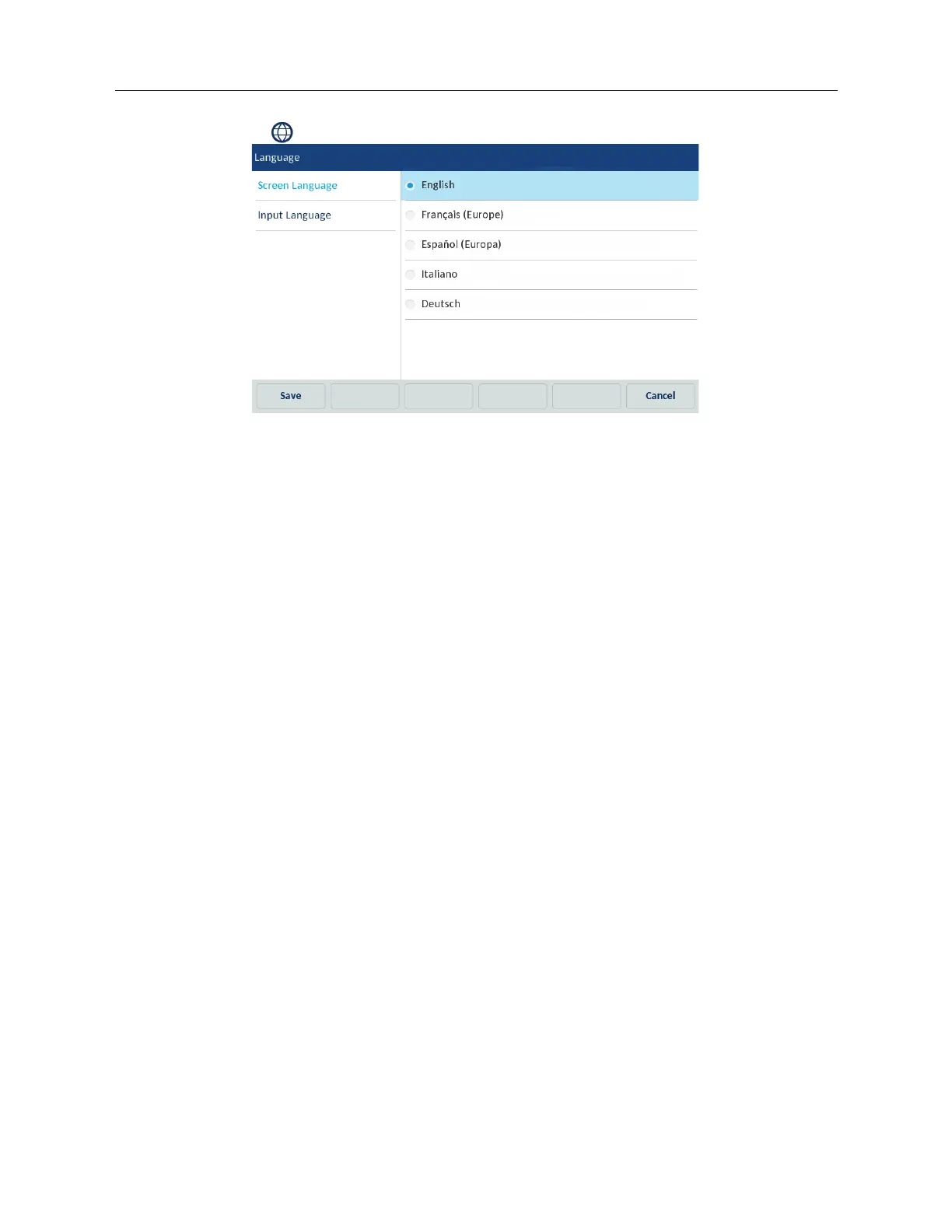
2. Tap the (Language) icon.
3. Select Screen Language.
4. Swipe up and down to view the language available for selection.
5. Tap the applicable language.
6. Tap the Save softkey to save your changes.
Specifying the Input Language using the IP Phone UI
You can configure the language you use for input on the phone by setting the Input Language option.
The default input language setting is English.
The Mitel 6970 IP Conference Phone supports the following input languages:
• English
•French
• Spanish
•German
• Italian
• Portuguese
• Russian
• Nordic
•Greek
To change the input language:
1. Tap the Settings softkey on the phone screen to open the Settings menu.



 To Next Page