Mitel 6970 IP Conference Phone User Guide
Enabling and disabling Bluetooth functionality
1. Hot-desk log in to the Mitel 6970 IP Conference Phone.
2. Tap the Mobile softkey (if "Connect" is displayed).
or
Tap the Settings softkey and select the (Bluetooth) icon.
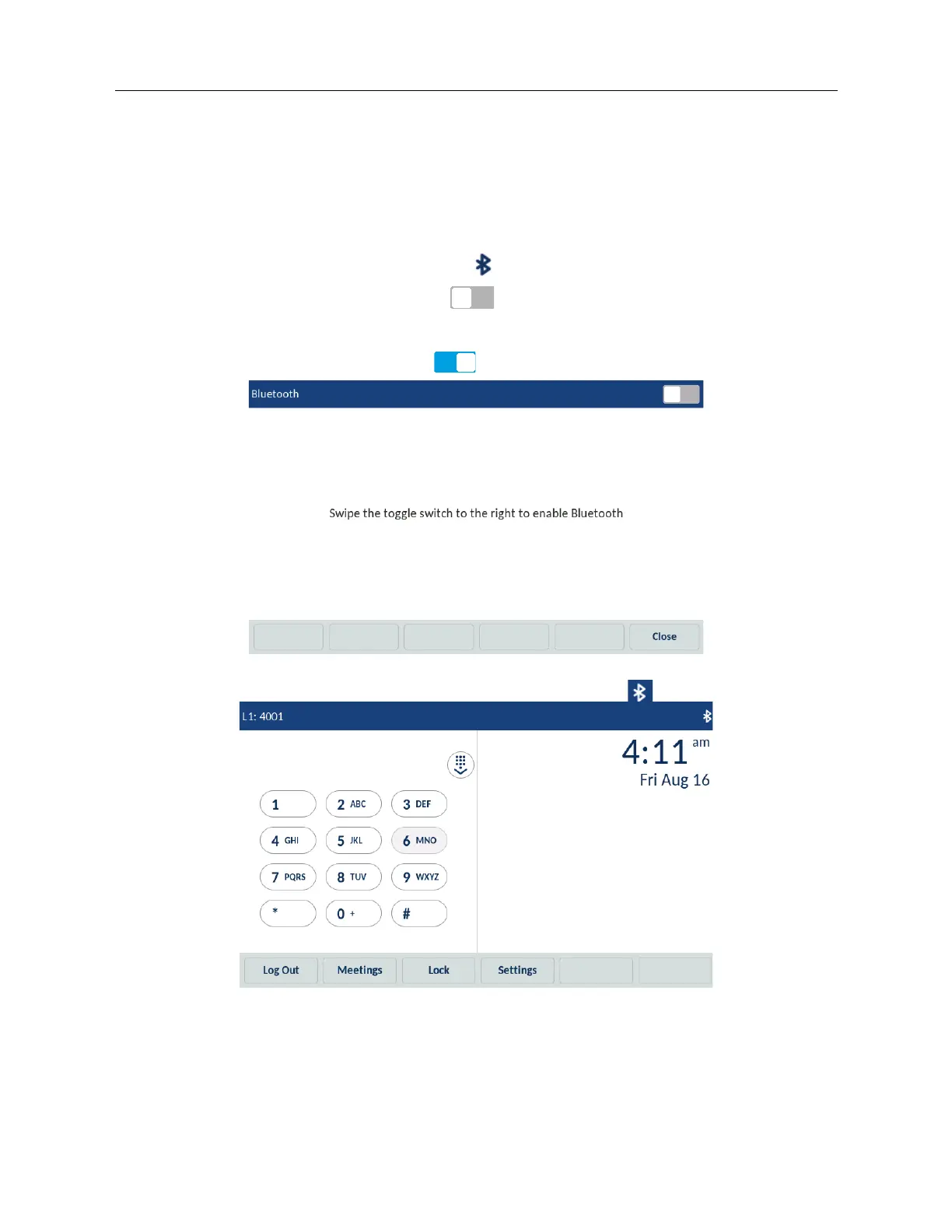
4. Swipe the Bluetooth toggle switch to the right to enable Bluetooth functionality.
or
Swipe the Bluetooth toggle switch to the left to disable Bluetooth functionality.
When Bluetooth functionality is enabled, a Bluetooth enabled icon appears in the status bar.
Pairing a Bluetooth mobile phone
1. Enable Bluetooth.
See “Enabling and disabling Bluetooth functionality” on page 63.



 To Next Page