Mitel 6970 IP Conference Phone User Guide
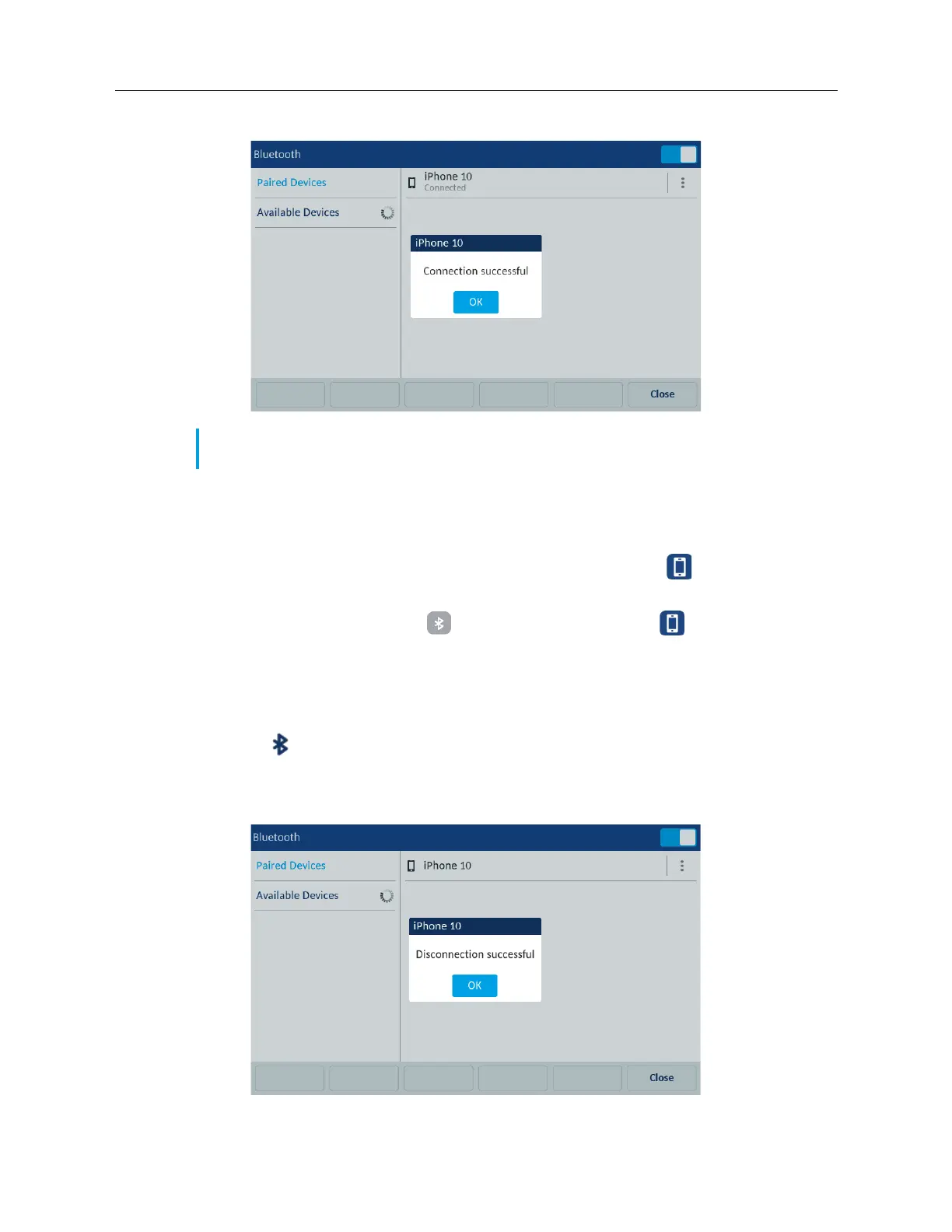
4. Tap Ok to acknowledge the successful connection.
The connected Bluetooth mobile phone is added to the list of Paired Devices and is ready to use.
When a mobile phone is successfully connected, a Mobile connected icon appears in the status
bar.
If the Mobile softkey is configured, the (Connect) softkey turns to the
softkey with the name
of a paired mobile phone.
Disconnecting a Bluetooth mobile phone
1. Tap the Settings softkey on the phone screen to open the Settings menu.
2. Tap the (Bluetooth) icon.
3. In the Paired Devices list, tap the connected Bluetooth mobile phone you want to disconnect.
A “Disconnection Successful” message appears on the screen.
Note: If pairing or connecting fails, a failed error message displays on screen. Tap Retry to
attempt to pair or connect again, or Cancel to cancel the attempt.



 To Next Page