Mitel 6970 IP Conference Phone User Guide
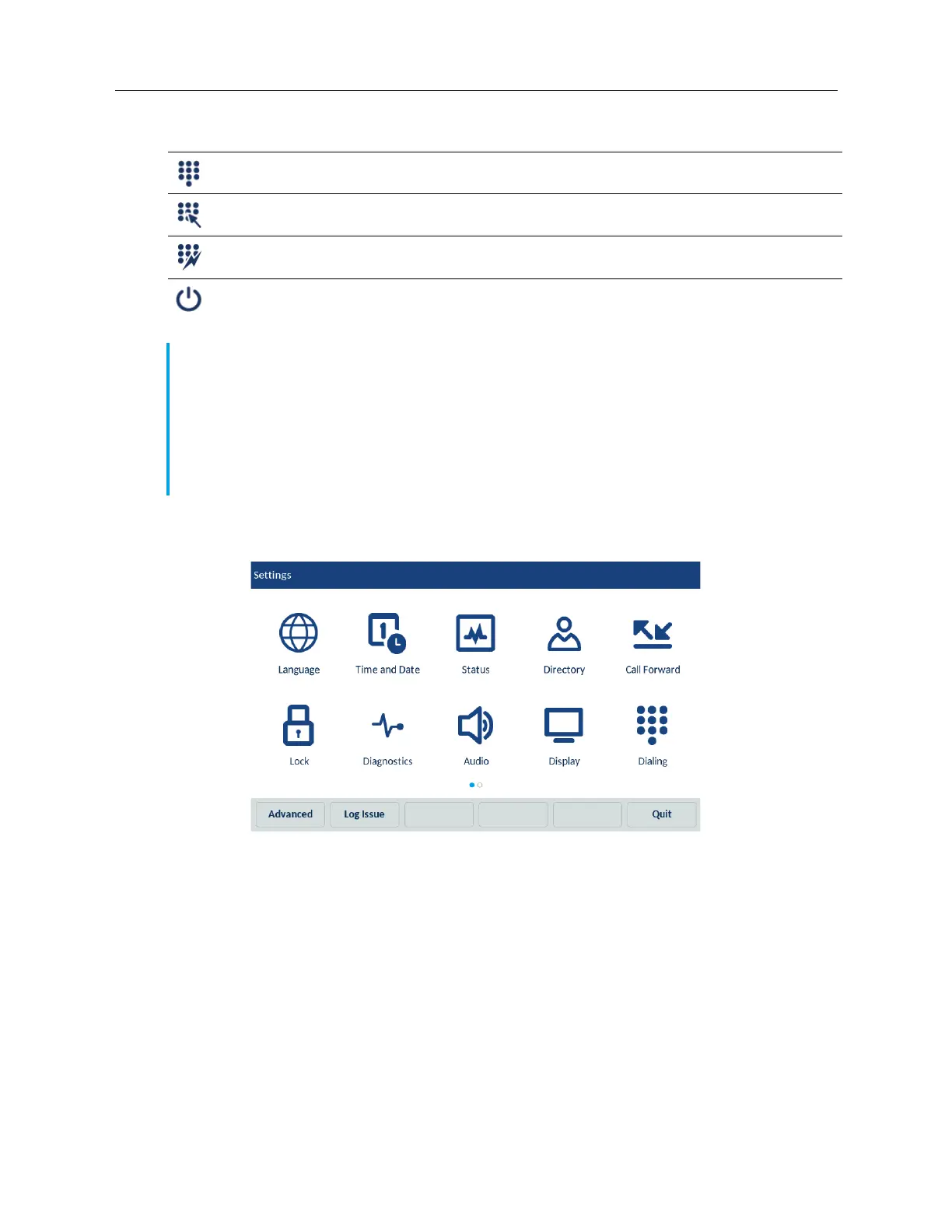
To use the Settings menu:
1. Tap the Settings softkey on the phone screen to open the Settings menu.
2. Tap the applicable icon to open the respective settings menu.
3. Swipe left and right to scroll through available lists and tap an on-screen item to select the item.
4. Use the on-screen keyboard to enter characters.
5. Tap the Save softkey to save your changes.
6. Tap the Quit softkey at any time to exit without saving changes.
Language
You can customize the screen and the input language of the phone.
Dialing
• Live Dialpad
• Speed Dial Edit
Restart
Notes:
1. The Settings menu is different in the Login and Logout modes.
2. The Advanced softkey opens the options which are Administrator-level functions only, and
are not accessible by the user. These options should only be set up and changed by your
System Administrator.
3. The Log Issue softkey is used to generate a log file that can help Administrators debug issues.
You should only tap this softkey when requested by your System Administrator.
Icon Option



 To Next Page