Mitel 6970 IP Conference Phone User Guide
•MMM DD
• DD MMM YYYY
• WWW DD MMM
•DD MMM
• DD.MM.YYYY
9. Tap the Save softkey to save your changes.
Time Zone
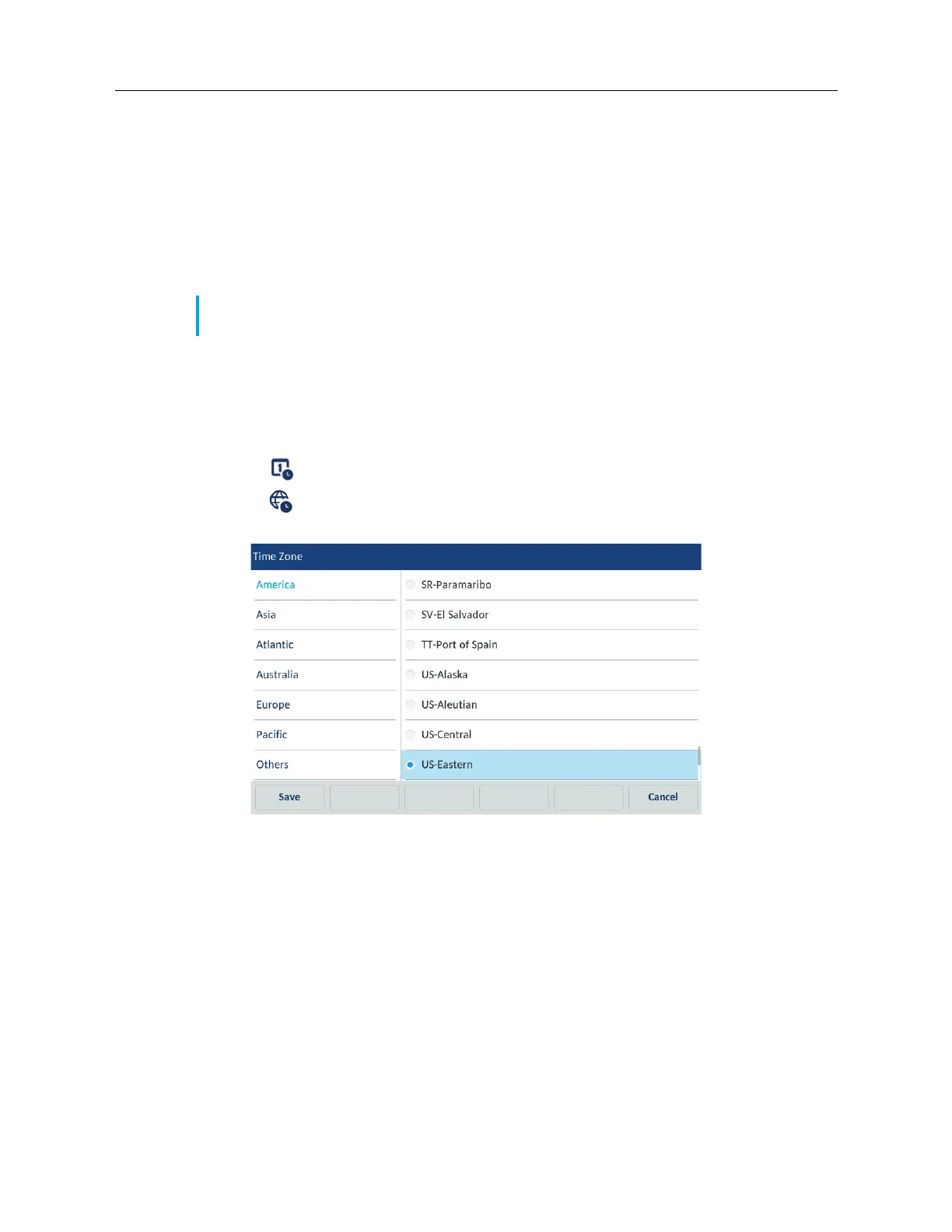
Configuring the Time Zone using the IP Phone UI
1. Tap the Settings softkey on the phone screen to open the Settings menu.
2. Tap the (Time and Date) icon.
3. Tap the (Time Zone) icon.
A list of time zones displays for different areas of the world.
4. Swipe up and down to scroll through the region list and highlight the desired region. Valid
values are:
• America
• Asia
• Atlantic
• Australia
• Europe
• Pacific
•Others
5. Swipe up and down to scroll through the time zone list and choose the time zone that applies
to your area. The default time zone is US-Eastern.
Note: The time and date formats you configure are applicable to the Home screen as well as
the Missed/Received Callers and Outgoing Redial Lists.



 To Next Page