Mitel 6970 IP Conference Phone User Guide
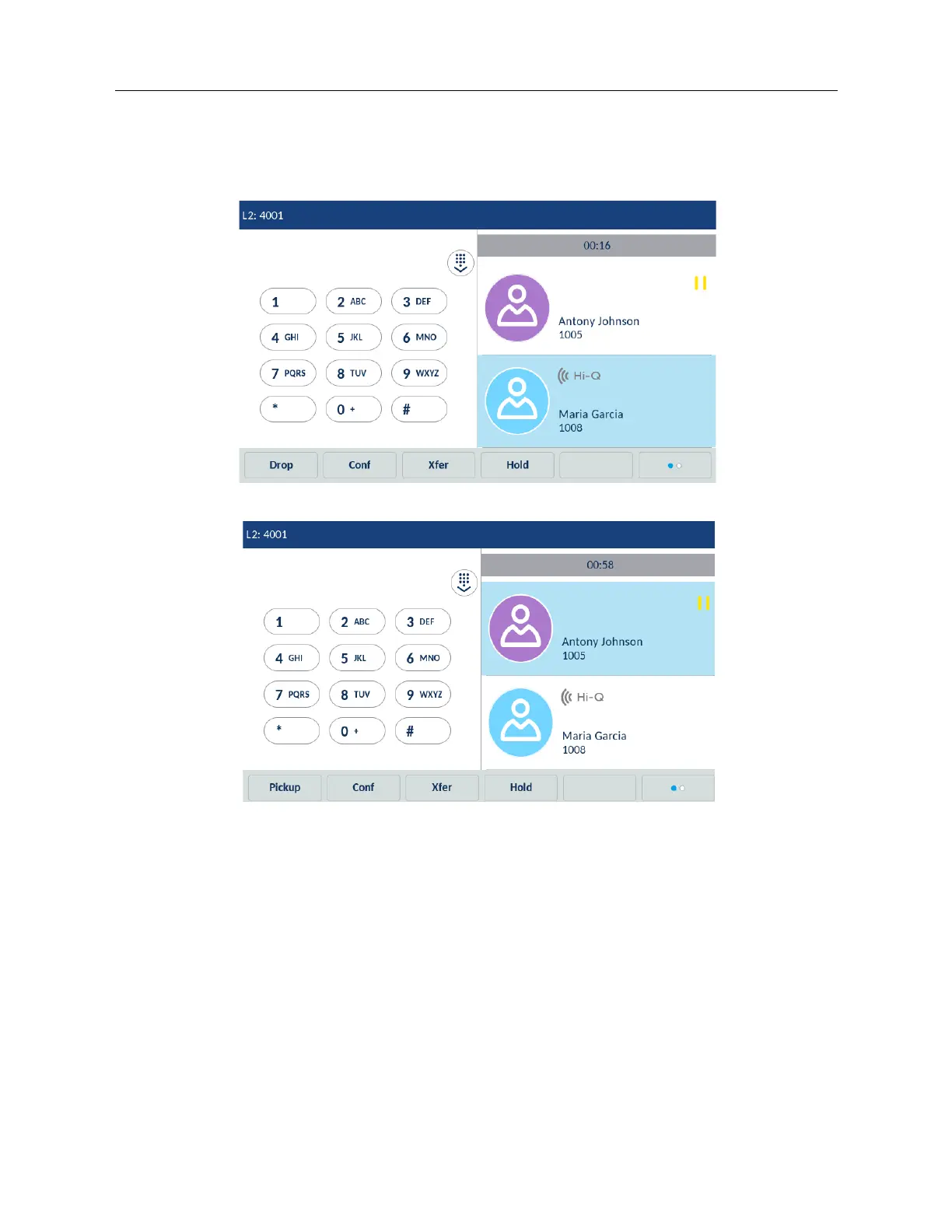
Transferring an existing call to another existing call
1. Ensure you are on an active call with the party you wish to transfer (the transfer recipient
should be placed on hold).
2. Swipe left and right to scroll and tap the party to whom you wish to transfer the active call.
3. Tap the Xfer softkey. The active call will be transferred.
Transferring to a contact in the Directory
Users can complete a transfer to a contact in their Local Directory. If a user is in a call and initiates
a transfer, they can navigate to the Directory screen and use a softkey configured with Transfer
functionality to complete a blind or consultative transfer.



 To Next Page