Mitel 6970 IP Conference Phone User Guide
Meetings
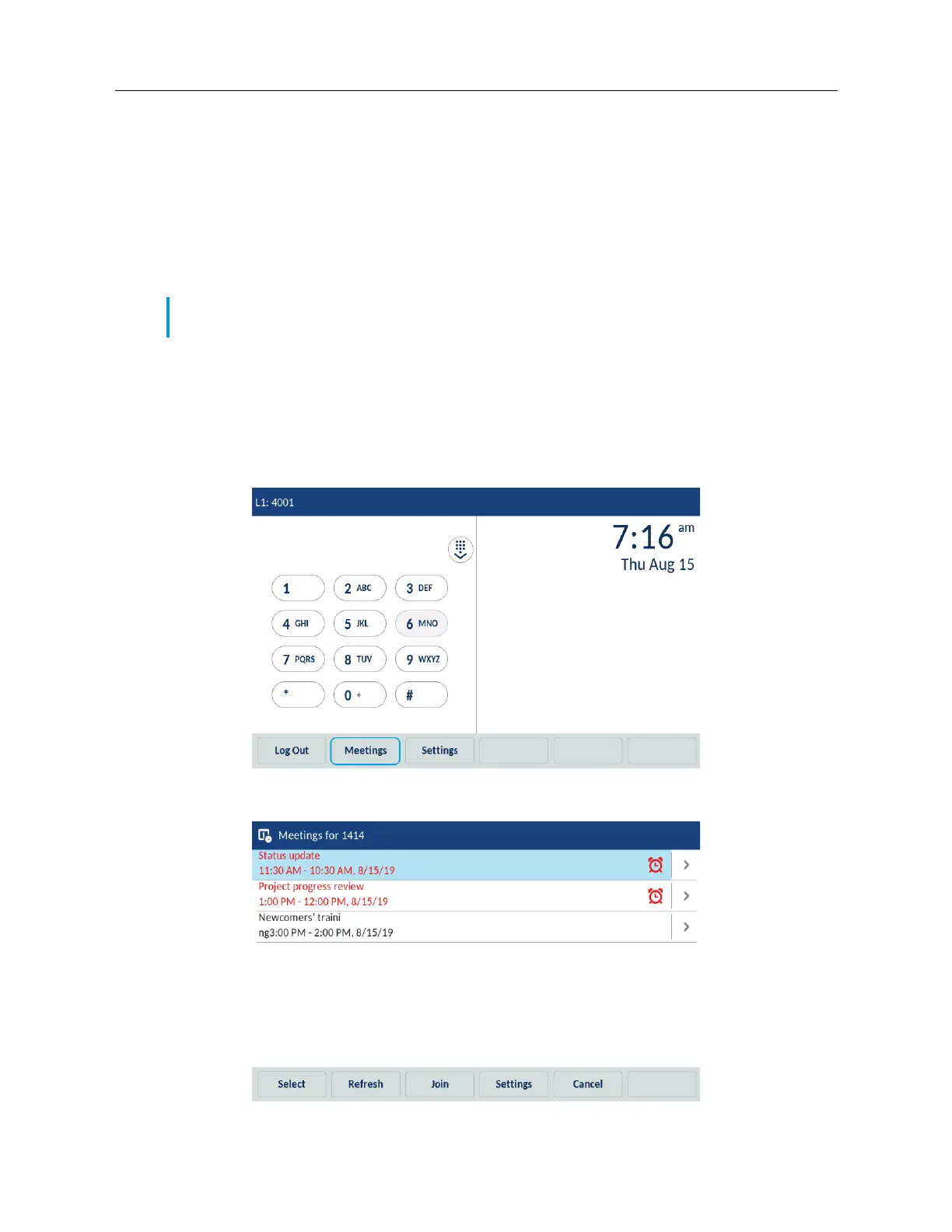
The Mitel 6970 IP Conference Phone supports the MiCollab Meeting Center application which is
accessed via the Meetings softkey. Tapping the Meetings softkey provides access to the list of the
day’s meetings scheduled for the room the Mitel 6970 IP Conference Phone is located in. The
Meetings Center Application allows you to one-touch join the conference bridge for the desired
meeting scheduled for the user hot-desked into the Mitel 6970 IP Conference Phone or the room
the phone is located in.
Checking the list of meetings
To check the Meetings available in the system, do the following:
1. On the idle home screen, tap the Meetings softkey.
The phone displays a list of meetings scheduled in the room where your Mitel 6970 IP Conference
Phone is located.
Note: Your System Administrator must configure the MiCollab Meeting Center application on the
Mitel 6970 IP Conference Phone before it can be used.



 To Next Page