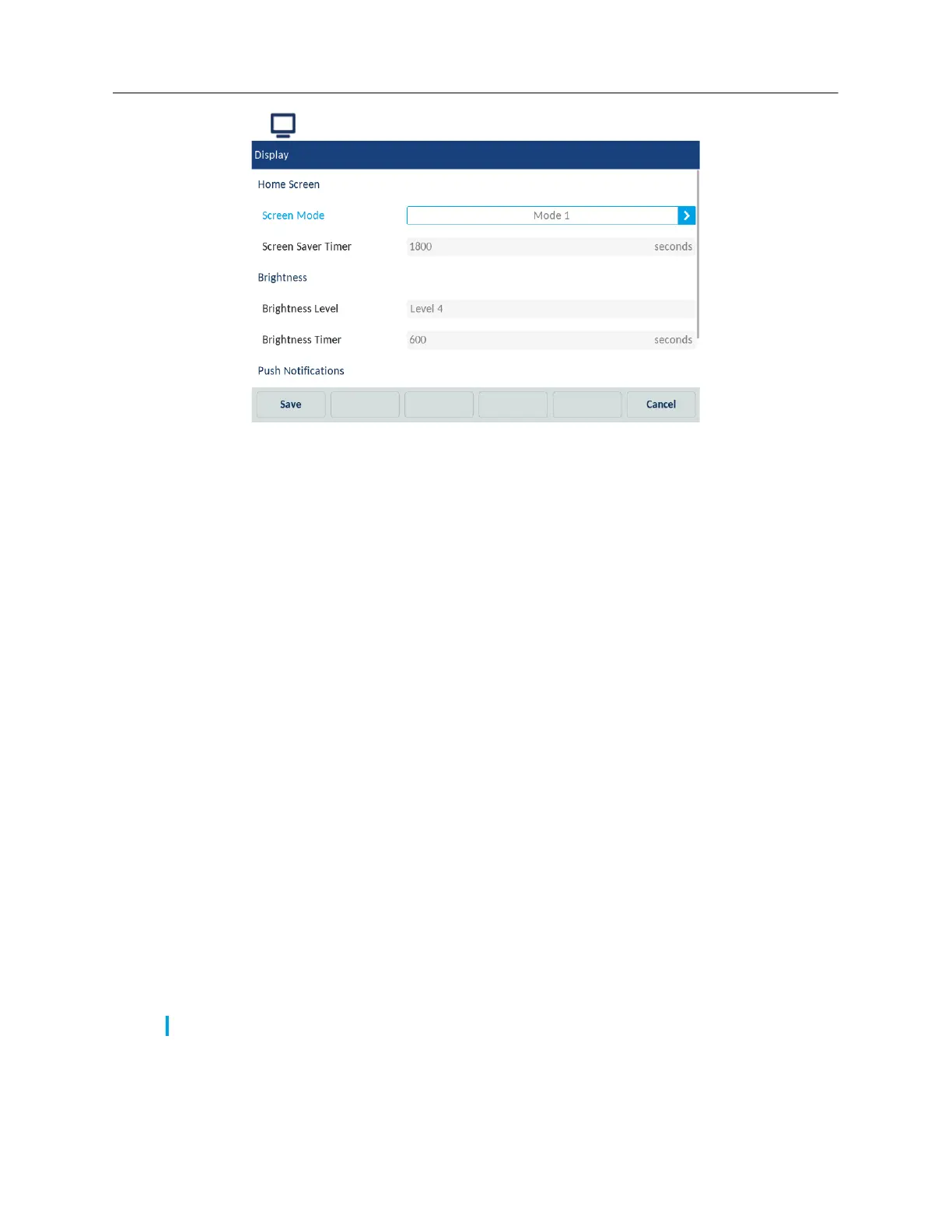
2. Tap the (Display) icon.
3. In the Screen mode field, select the screen mode by tapping the left and right arrows.
4. In the Screen Saver Timer field, enter a value, in seconds, using the on-screen keyboard.
5. In the Brightness Level field, select the intensity of brightness by tapping the left and bright
arrows.
6. In the Brightness Timer field, enter a value, in seconds, using the on-screen keyboard.
7. Check the Sound checkbox, to enable sound for the push notifications.
8. Check the Bluetooth checkbox to enable push notifications when pairing or unpairing a
bluetooth device.
9. Check the External checkbox, to enable pushnotifications for external events.
10. Tap the Save softkey to save the changes.
To drop the changes, tap the Cancel softkey.
Dialing
The Dialing option is available in the Logged in state only.
Live Dialpad
The Live Dialpad option on the IP phone turns the live dialpad mode on or off. With the live dialpad
feature enabled, the number is dialed automatically after being entered and it is not required to tap
the Dial softkey.
1. Tap the Settings softkey on the phone screen to open the Settings menu.
Note: Availability of this feature is dependent on your phone system or service provider.



 To Next Page