Mitel 6970 IP Conference Phone User Guide
• Home screen:
The Screen mode option allows you to select how your Home screen is displayed. There are
two options available.
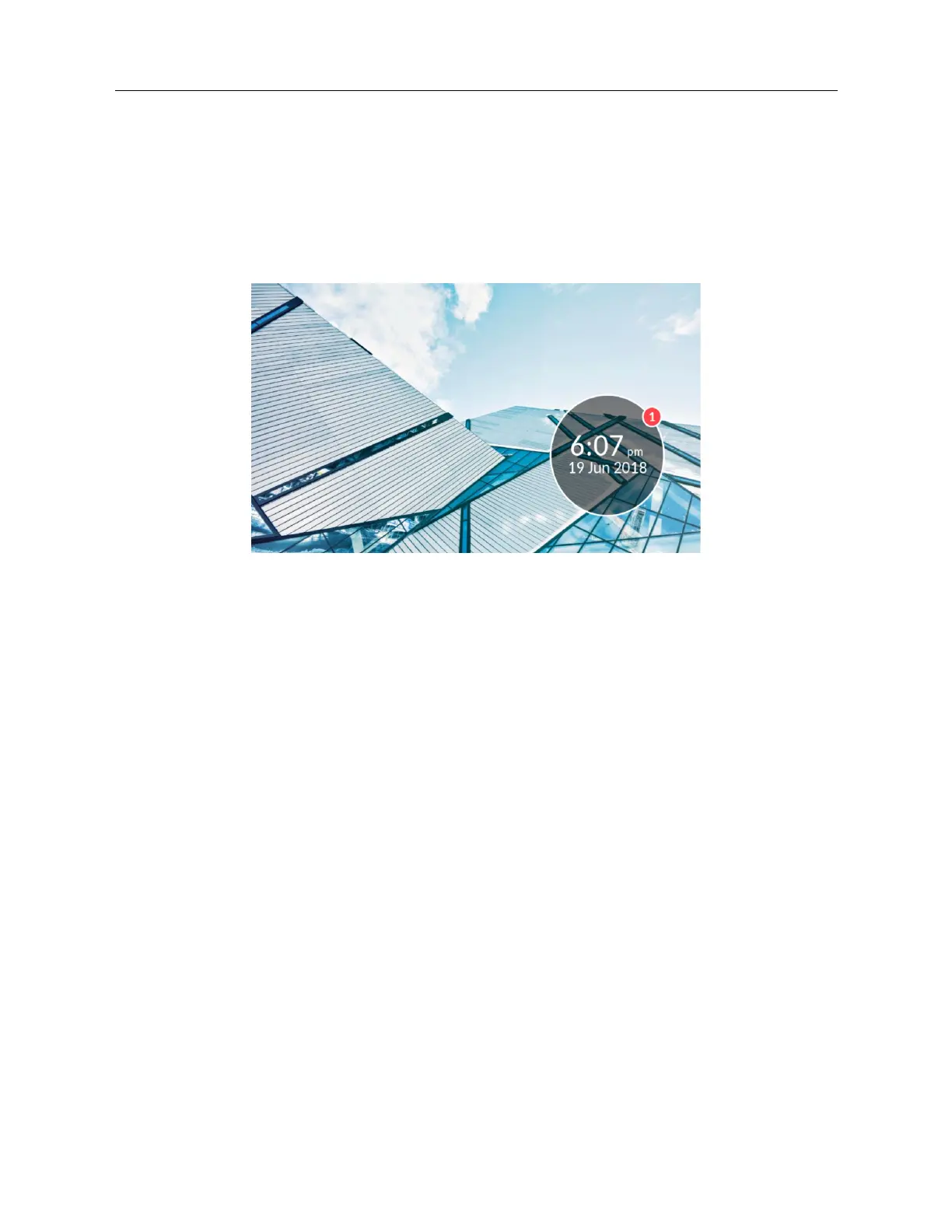
The Screen Saver Timer setting allows you to configure the amount of time (up to 7200 seconds)
the phone must be idle before the screen saver starts. The default is 1800 seconds (30 minutes).
When the specified amount of time expires, a screen saver displaying the date and time and
the number of missed calls (if applicable) is displayed on the screen.
• Brightness:
The Brightness Level setting on allows you to set the amount of light that illuminates the LCD
display. There are 5 levels available.
The Brightness Timer option allows you to set the amount of time you want the LCD display
to stay illuminated before turning the backlight off during a period of inactivity. You can set the
timer from 1 to 36000 seconds. Default is 600 (10 minutes).
• Push Notifications:
The Sound checkbox allows you to turn on and off the sound of the push notifications.
The Bluetooth checkbox allows you to turn on and off the push notification when the bluetooth
device is paired or unpaired.
The External checkbox allows you to turn on and off the push notifications for external events.
To configure the display settings:
1. Tap the Settings softkey on the phone screen to open the Settings menu.



 To Next Page