Mitel 6970 IP Conference Phone User Guide
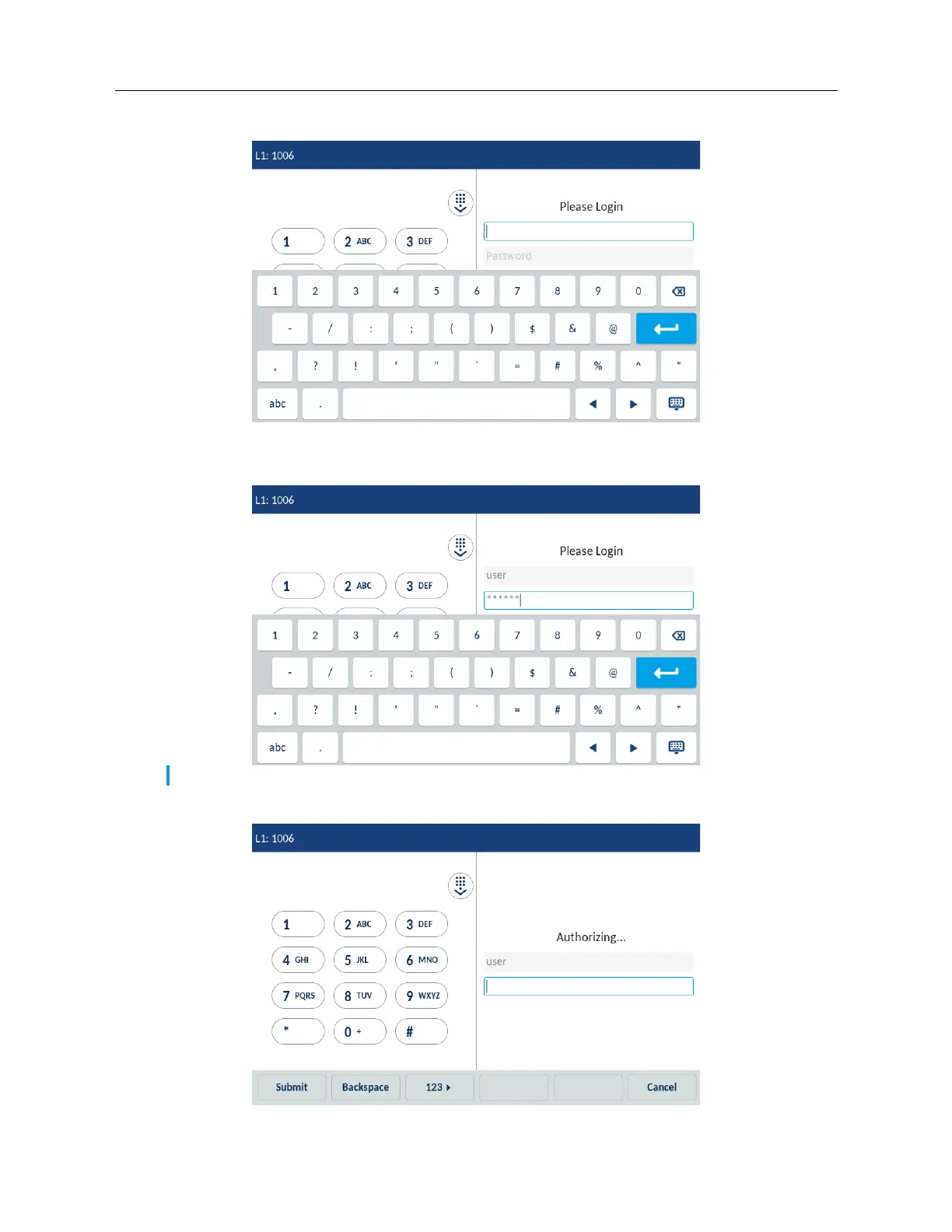
2. Using the on-screen keyboard, enter your login and tap Enter.
3. Type in the password to your Hotdesk account and tap Enter.
4. The phone performs the authorization process, and you are logged in.
Note: The character are hidden with asterisks (*) for security reasons.



 To Next Page