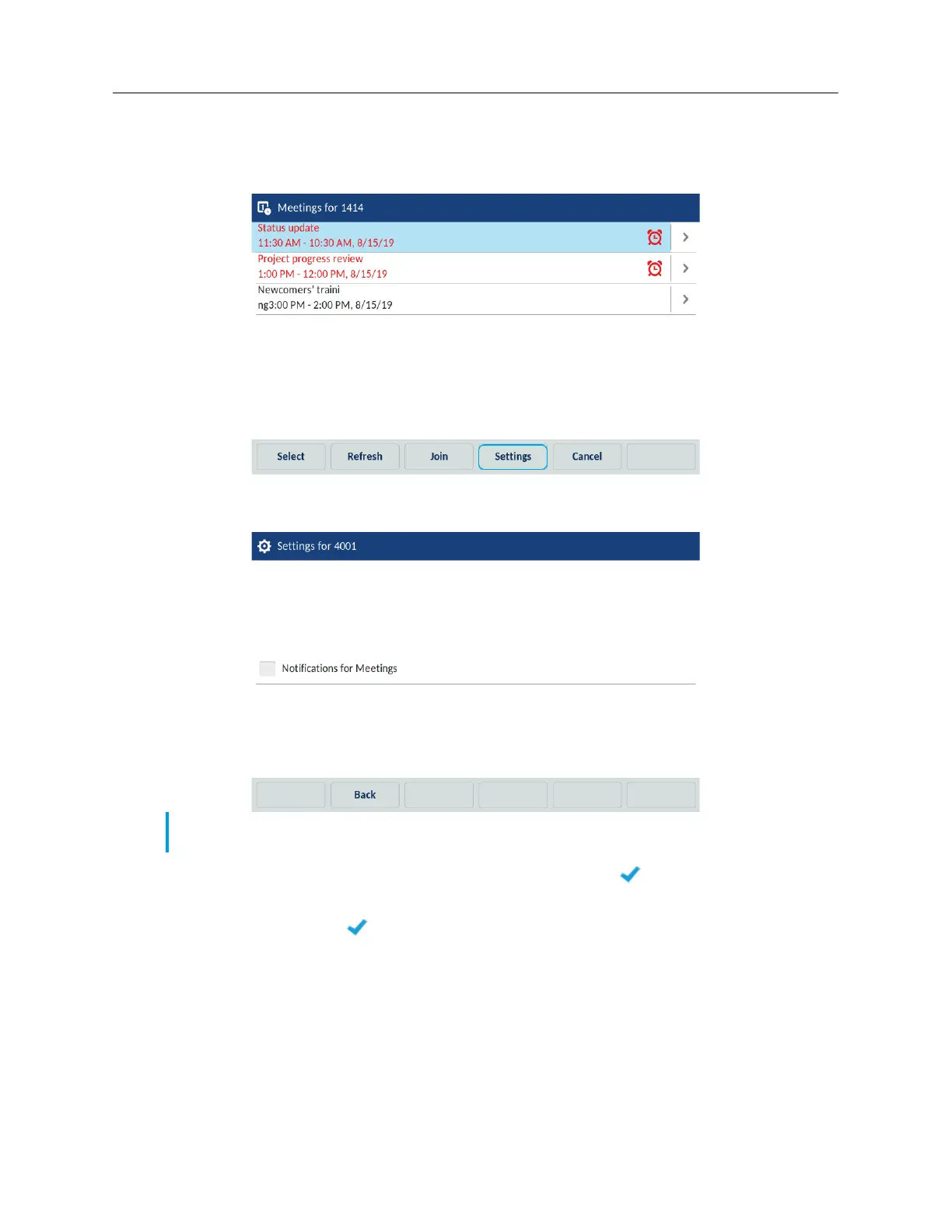
1. On the idle home screen, tap the Meetings softkey.
2. Tap the Settings softkey.
The phone displays the settings that the user can adjust for meetings.
3. To disable the Notifications for meetings setting, tap the (Check mark) icon to clear
the check mark.
4. (Optional) Tap the (Check mark) icon again to enable the setting.
5. Tap the Save softkey to save the settings.
6. (Optional) Tap the Cancel softkey to keep the initial settings.
Note: The list of applicable settings is configured by the System Administrator for the MiCollab
Meeting Center application.



 To Next Page