Cleaning and caring for the unit
101Operating instructions
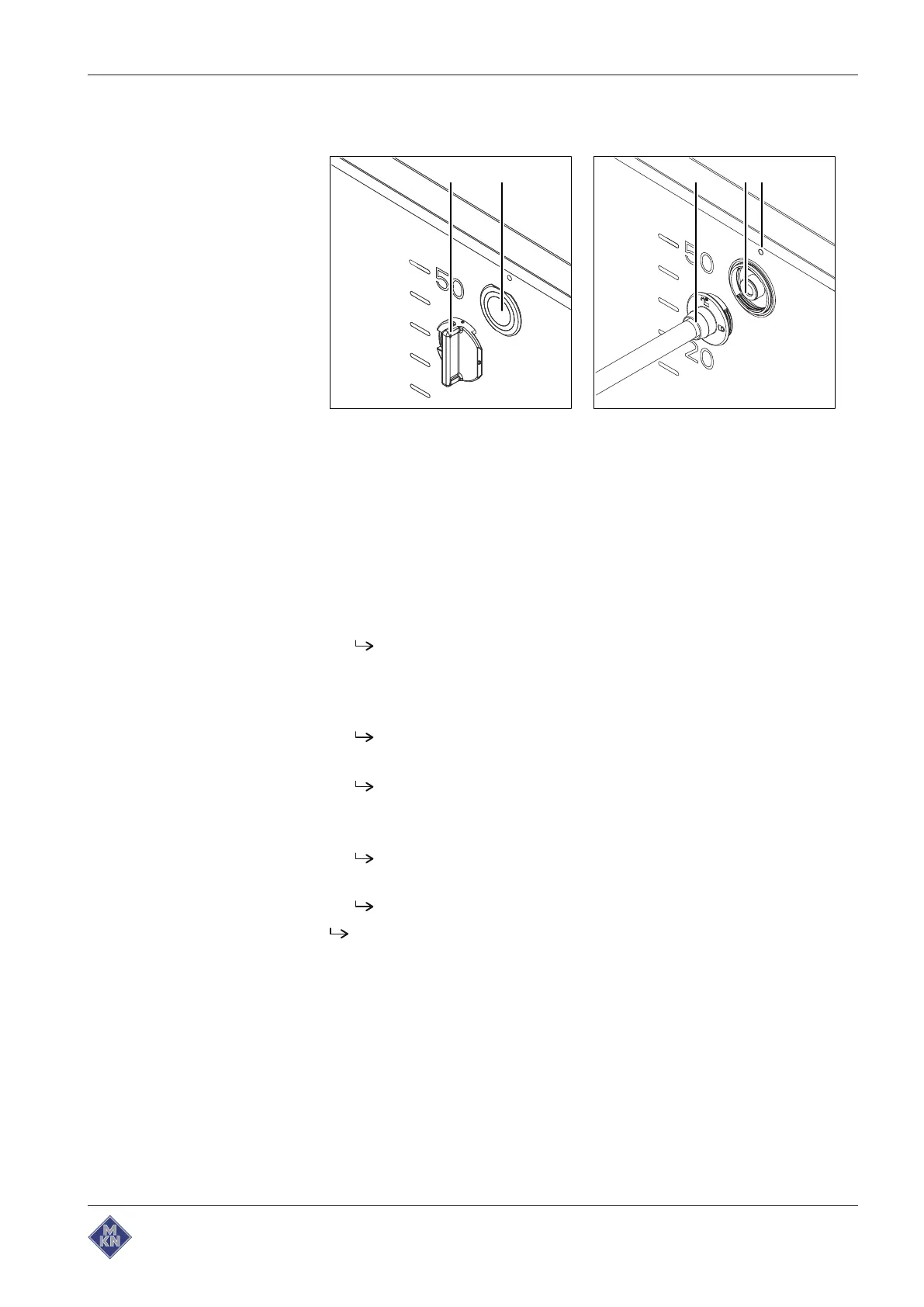
5.8.1 Inserting the cleaning lance
Image: Inserting the cleaning lance
a Tool d Cleaning lance opening
b Cover for cleaning lance opening e
Lock
marking
c Cleaning lance
Requirement Pan empty
Pan in the operating position
Lid fully open
1. Push the tool onto the cover for the cleaning lance opening.
Tool is firmly connected to the cleaning lance opening cover.
Clean the pan with warm water and a commercially available
cleaning agent.
2. Turn the tool 90° to the right.
The cleaning lance opening cover is unlocked.
3. Pull away the tool with the cleaning lance opening cover.
The cleaning lance opening is open.
4. Insert the cleaning lance into the cleaning lance opening.
5. Turn the cleaning lance 90° to the left.
The lock symbol for the cleaning lance is under the
Lock
marking.
Cleaning lance is locked.
Cleaning lance is inserted.
4426201-20ABBE-A



 To Next Page