Operating the unit
44 Operating instructions
4.5.5 Opening and closing the drain
ATTENTION
Risk of property damage from improper use
• Do not empty out deep-frying oil via the drain.
• Do not empty out hot products (over 105 °C) via the drain.
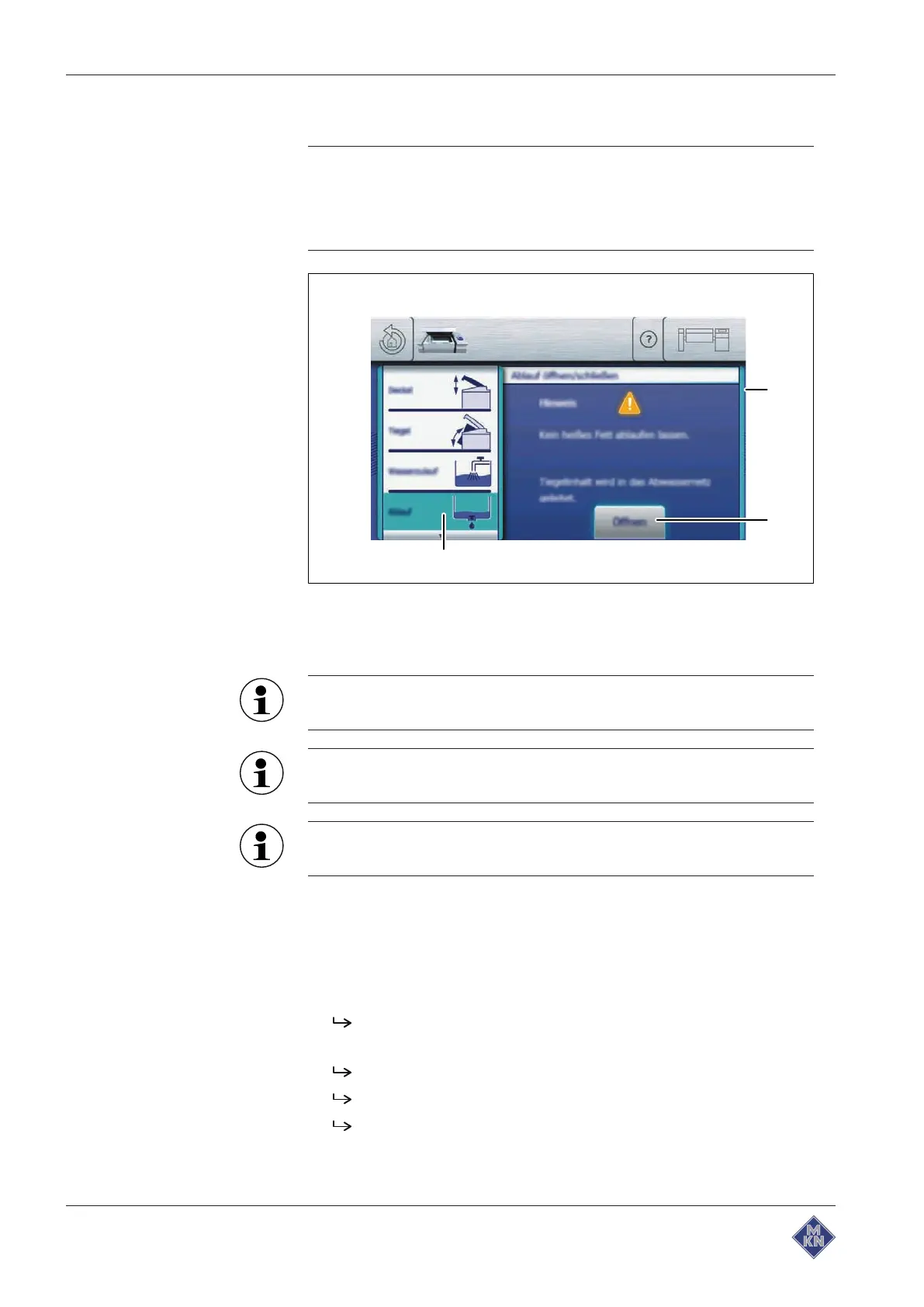
Image: Opening the drain
a
Actuate
window c "Drain" field
b "Open" button
The drain is closed automatically as soon as a cooking program
is started.
The "Total" water meter in the water inlet equipment function is
reset to zero as soon as the drain is open.
When the drain is open, the pan can be tilted slightly to support
the process.
Requirement Pan in the operating position
Solid food remains removed from pan
Equipment function
menu displayed
1. Tap the "Drain" field.
Actuate
window is displayed.
2. Tap the "Open" button.
A signal sounds.
The drain opens.
The "Open" button is replaced with the "Close" button.
3. Wait for the pan to empty.
4426201-20ABBE-A



 To Next Page