Operating the unit
83Operating instructions
4.7.1 Creating a cooking program
Creating a cooking program step
Requirement
Manual cooking
menu open
1. Tap the field for the desired cooking mode, equipment function or
information.
The first step of the cooking program is created.
The
Cooking program step
display reads "Step 1 of 1".
2. Configure the desired settings for the first step.
The cooking program is created with one step.
Adding cooking program steps
Any number of steps can be added to a cooking program.
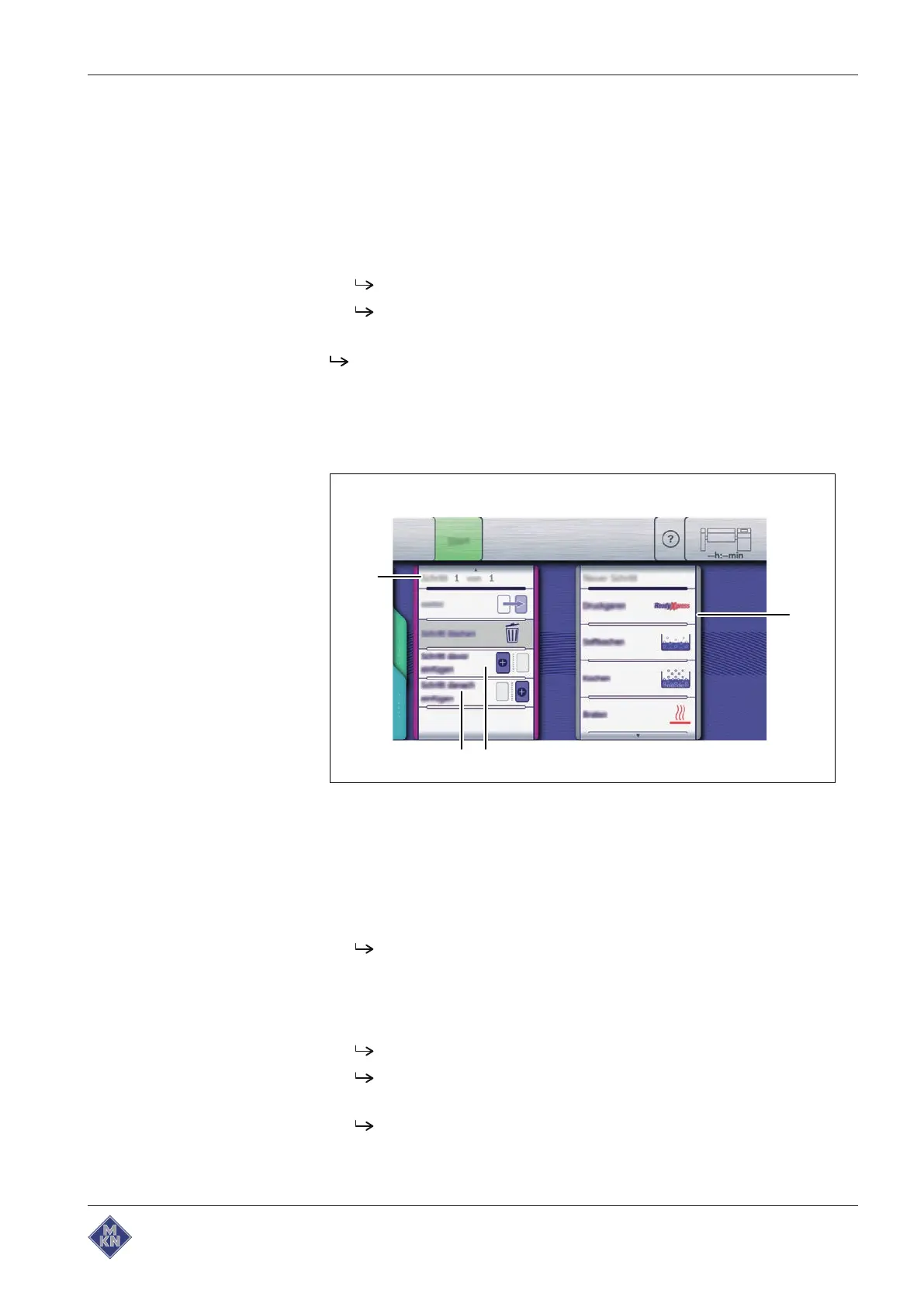
Image: Adding a step
a
New step
window c "Add step after" field
b "Add step before" field d
Cooking program step
display
Requirement Cooking program created and open
1. Swipe upwards to switch to the next page for the step.
The next page for the step is displayed.
2. Tap the "Add step before" field.
or
3. Tap the "Add step after" field.
The "New step" window is displayed.
Tap the field for the desired cooking mode, equipment function
or information.
The
Cooking program step
display in the window shows the
current position of the new step in the cooking program.
4426201-20ABBE-A



 To Next Page