Operating the unit
45Operating instructions
4. Tap the "Close" button.
The drain closes.
The "Close" button is replaced with the "Open" button.
The pan is completely empty.
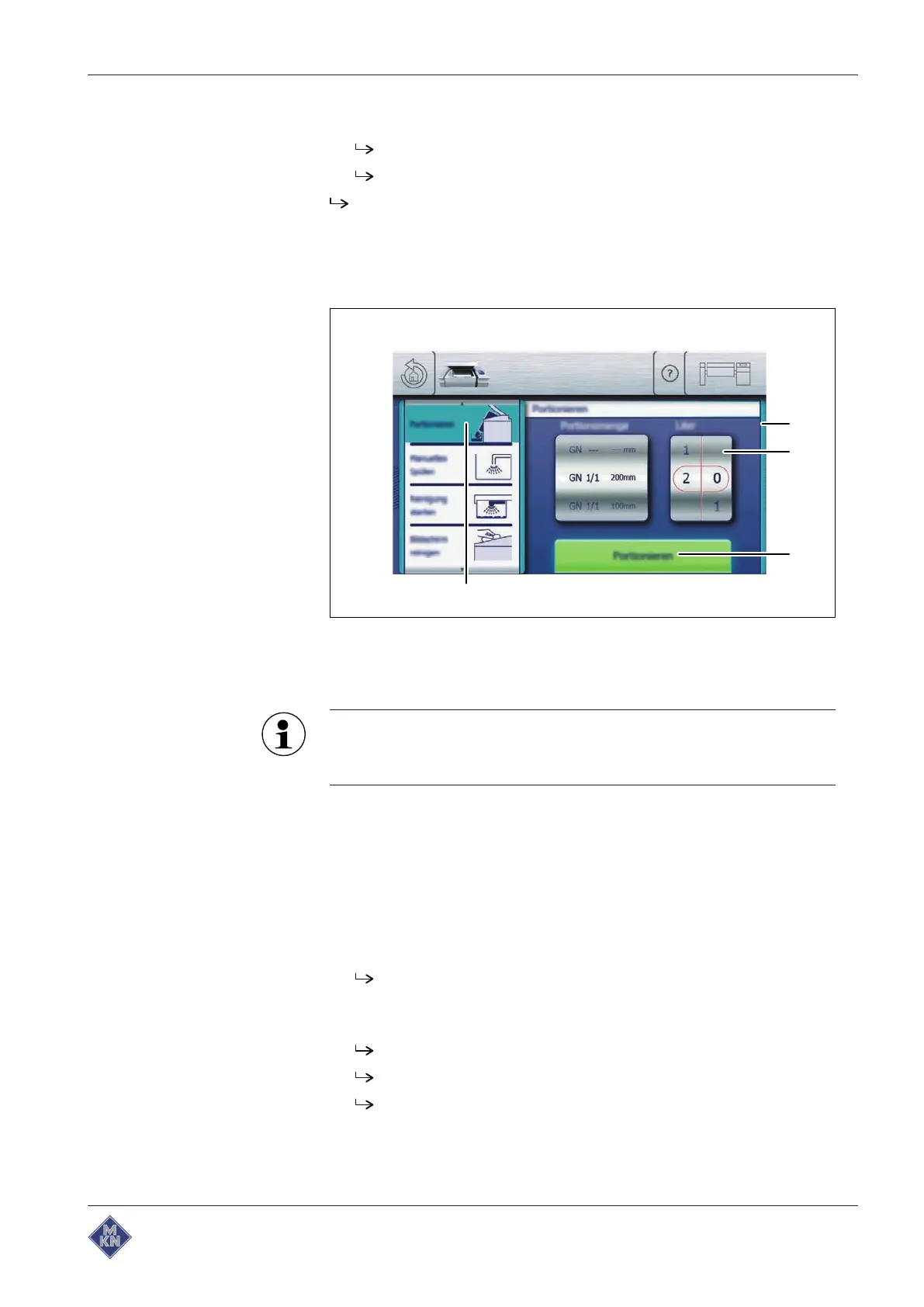
4.5.6 Portioning
The portion quantity can be set in litres or as a GN dimension.
Image: Portioning
a
Actuate
window c "Open" button
b Rollers d "Portion" field
Depending on the nature of the food to be cooked, the portioned
quantity may differ from the set quantity. Therefore, the
container underneath the pan must not be filled completely.
Requirement Pan in the operating position
Suitable container placed underneath the pan to collect the portion
quantity
Pan tilted until the contents are just about to overflow
Equipment function
menu displayed
1. Tap the "Portion" field.
Actuate
window is displayed.
2. Swipe to set the portion quantity.
3. Tap the "Portion" button.
The pan is lowered.
The portion quantity runs into the container.
The "Portion" button is replaced with the "Stop" button.
4426201-20ABBE-A



 To Next Page