Operating the unit
29Operating instructions
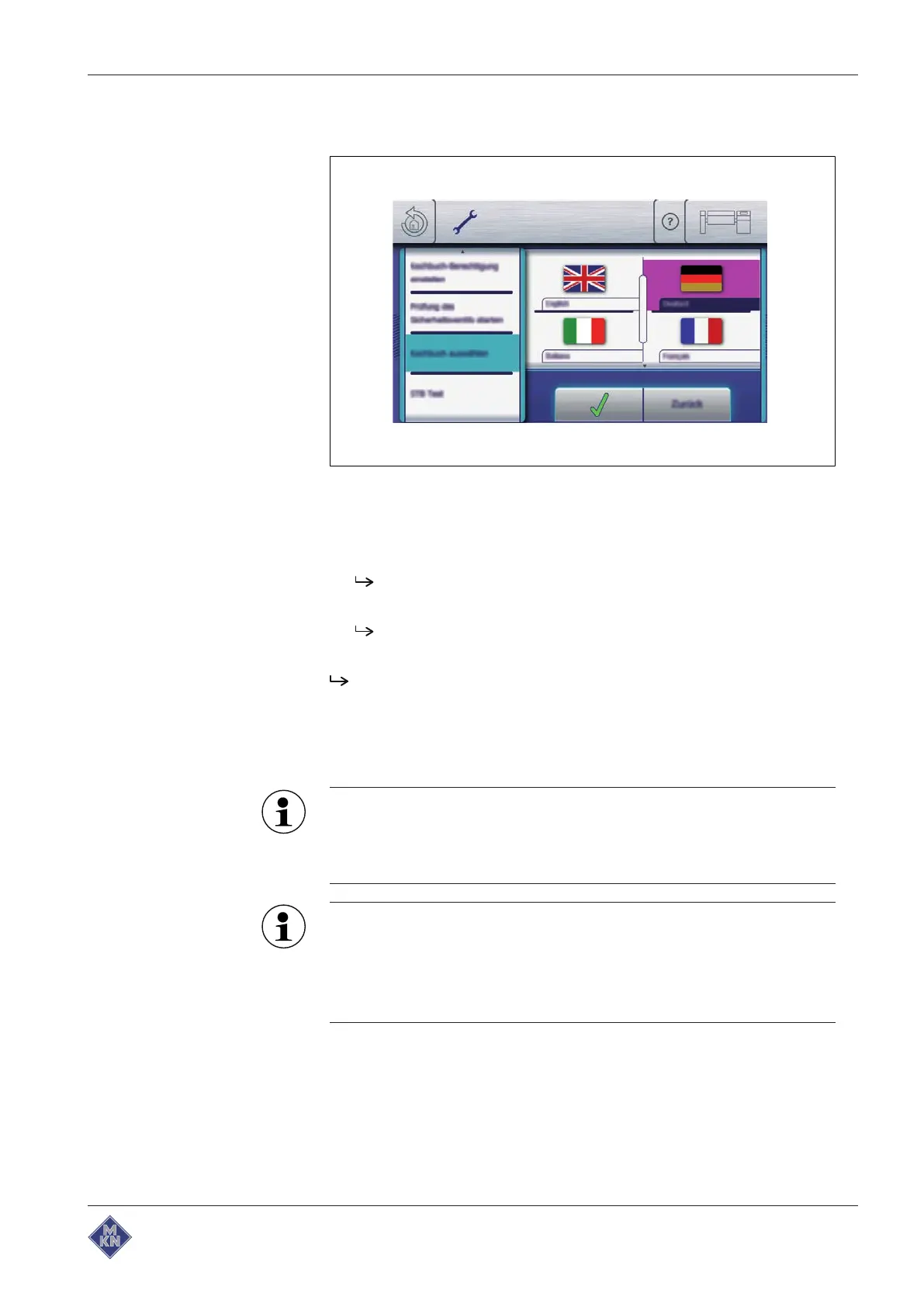
4.3.6 Selecting a cookbook
Image: Selecting a cookbook
Requirement
Equipment settings
menu displayed
1. Tap the "Select cookbook" field.
The
Languages
menu is displayed.
2. Tap a national flag to select the cookbook.
Cookbook is selected.
3. Tap the
Confirm
button.
Cookbook is selected.
4.4 Basic functions
4.4.1 Setting the cooking temperature
The temperature range differs, depending on the cooking mode.
At a temperature outside the allowed temperature range, the
display for the allowed temperature range turns red and the
temperature cannot be confirmed.
To set the cooking temperature:
• If a cooking program has not been started: Tap the
Cooking
temperature
symbol in the
Cooking temperature
field.
• If a cooking program has been started: Tap the degree value
in the
Cooking temperature
field.
4426201-20ABBE-A



 To Next Page