Operating the unit
91Operating instructions
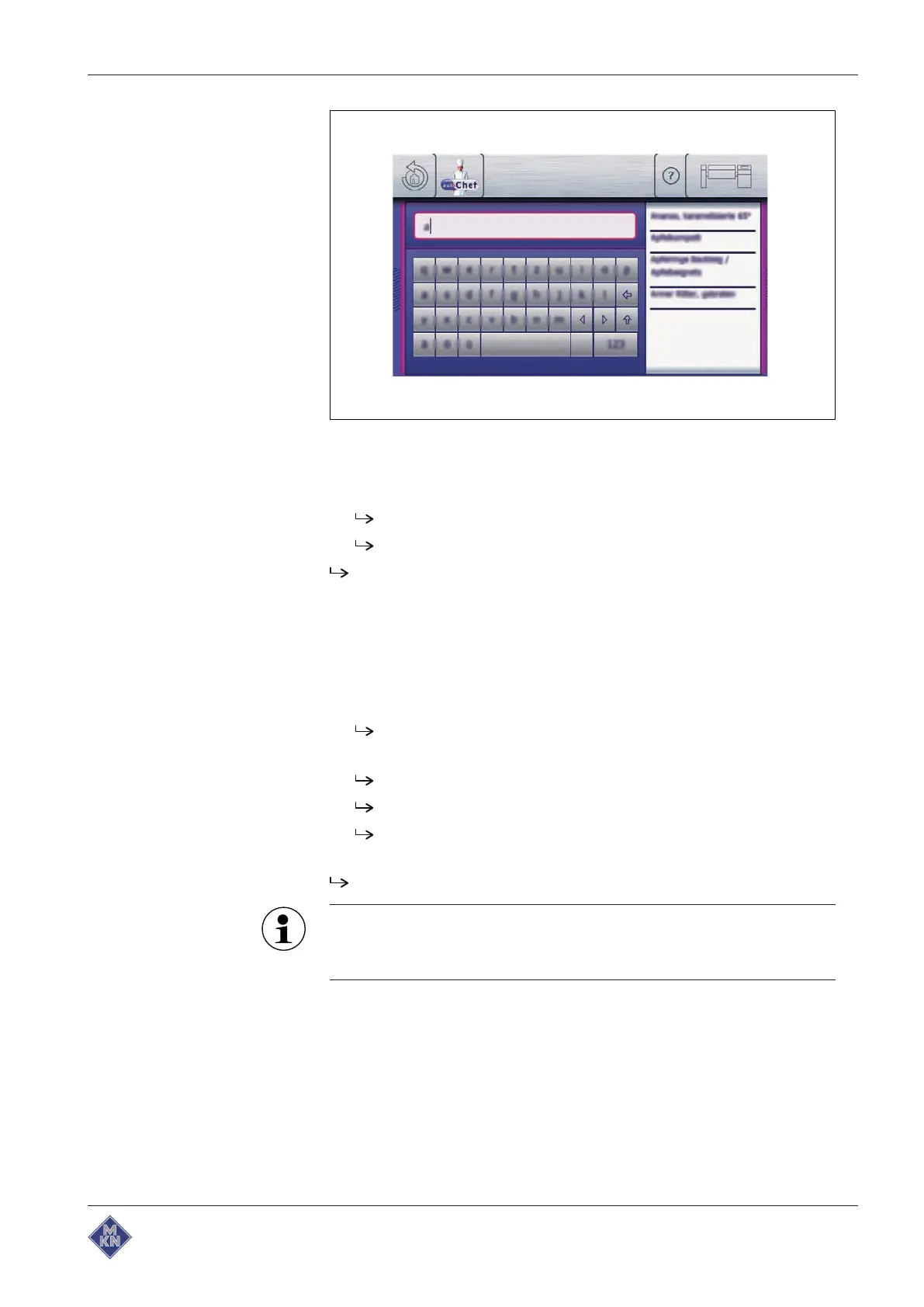
Image: Finding a cooking program
4. Tap the field with the desired cooking program in the
Results
display.
The cooking program is selected and being loaded.
The cooking program steps are displayed.
The cooking program is open.
4.8.3 Starting the cooking program
Requirement Cooking program open
1. Display recipe if applicable: open
green
tab and tap "Display
recipe" field.
The recipe is displayed.
2. Tap the "Start" button in the information bar.
The cooking program starts.
The "Start" button is replaced with the "Stop" button.
The remaining cooking program time is displayed in the
Equipment version
symbol.
The cooking program is started.
The current step in the cooking program is highlighted. Upon
completion, the following step automatically appears in the
display.
4426201-20ABBE-A



 To Next Page