Operating the unit
75Operating instructions
Tap the
Confirm
button.
The heating of the zone is ended.
The
Setting
window closes.
The
Level
field displays "0".
The
Start/Stop
field turns white and displays "Zone off".
The zone is switched off.
Ending zone frying
Requirement Zone frying has started
1. Tap the "Stop" button in the information bar.
The heating of the pan is ended.
The "Stop" button is replaced with the "Start" button.
The
Start/Stop
fields for all started zones turn green and
display "Start".
The cooking time is reset.
Zone frying has ended.
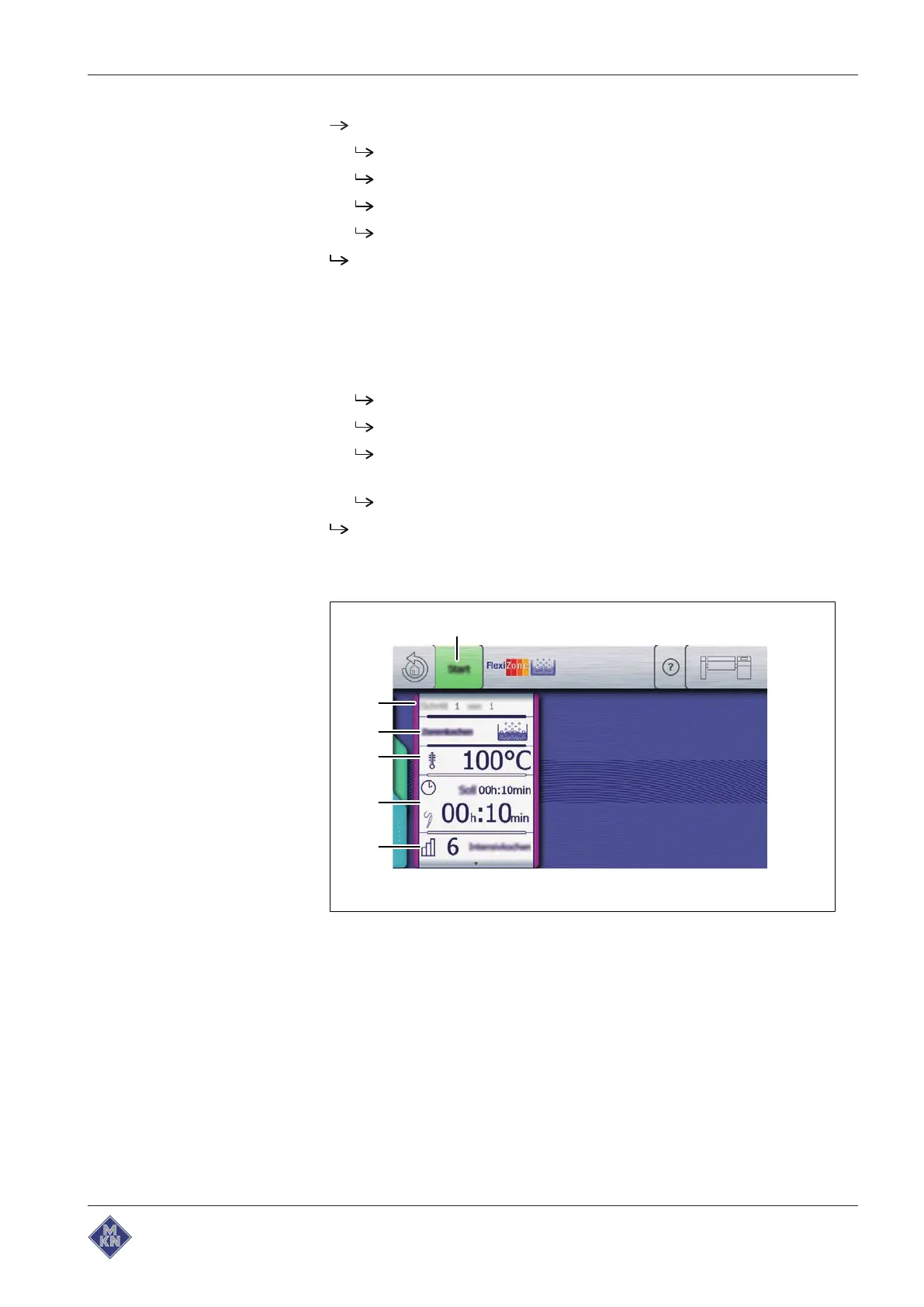
4.6.11 Using zone cooking
Image: Zone cooking mode
a "Start" button d
Cooking temperature
field
b
Cooking mode
window e
Cooking time
field
c
Cooking mode
field f
Level
field
4426201-20ABBE-A



 To Next Page