Operating the unit
81Operating instructions
4.6.13 Using information
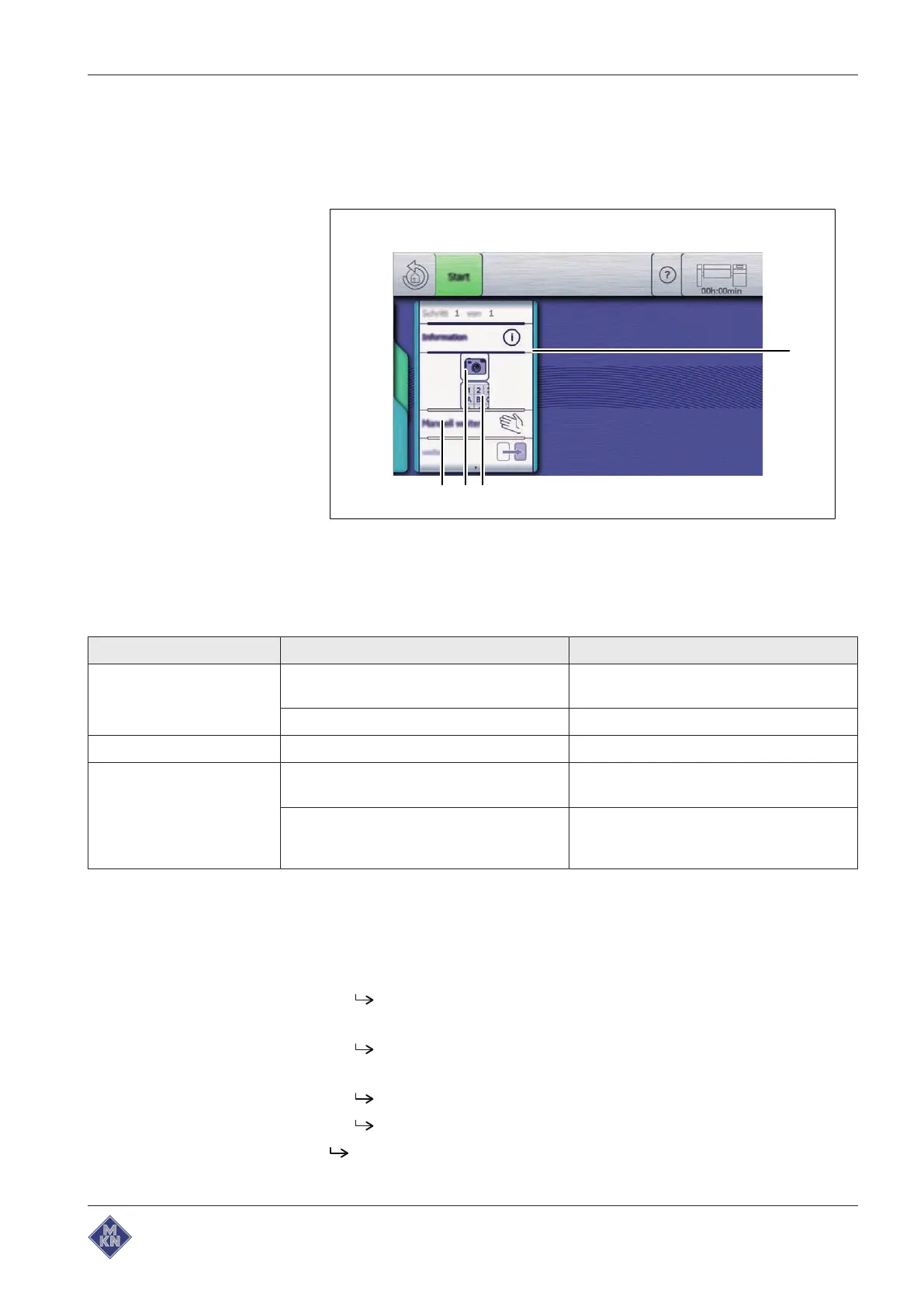
This function opens a window which displays information to the user
during a cooking program.
Image: Information
a
Information
window c
Image
field
b
Description
field d
Description
field
Possible settings for information:
Setting Possible setting Explanation
Image Images in the unit No image, or select an image saved in the
unit
Images on the USB flash drive Import an image from the USB flash drive
Description Text Enter text via the
Keypad
menu
Control Continue manually Press the "Continue" field to switch to the
next step
Continue automatically The next step is executed automatically
after 30 seconds, the process can be
paused
Starting information
Requirement
Manual cooking
menu displayed
1. Tap information.
The
Information
window is displayed.
2. Configure the settings.
The
Information
window shows the configured settings.
3. Tap the "Start" button in the information bar.
The
Information
window is displayed.
The "Start" button is replaced with the "Stop" button.
Information has started.
4426201-20ABBE-A



 To Next Page