Operating the unit
71Operating instructions
4.6.9 Using Delta-T cooking
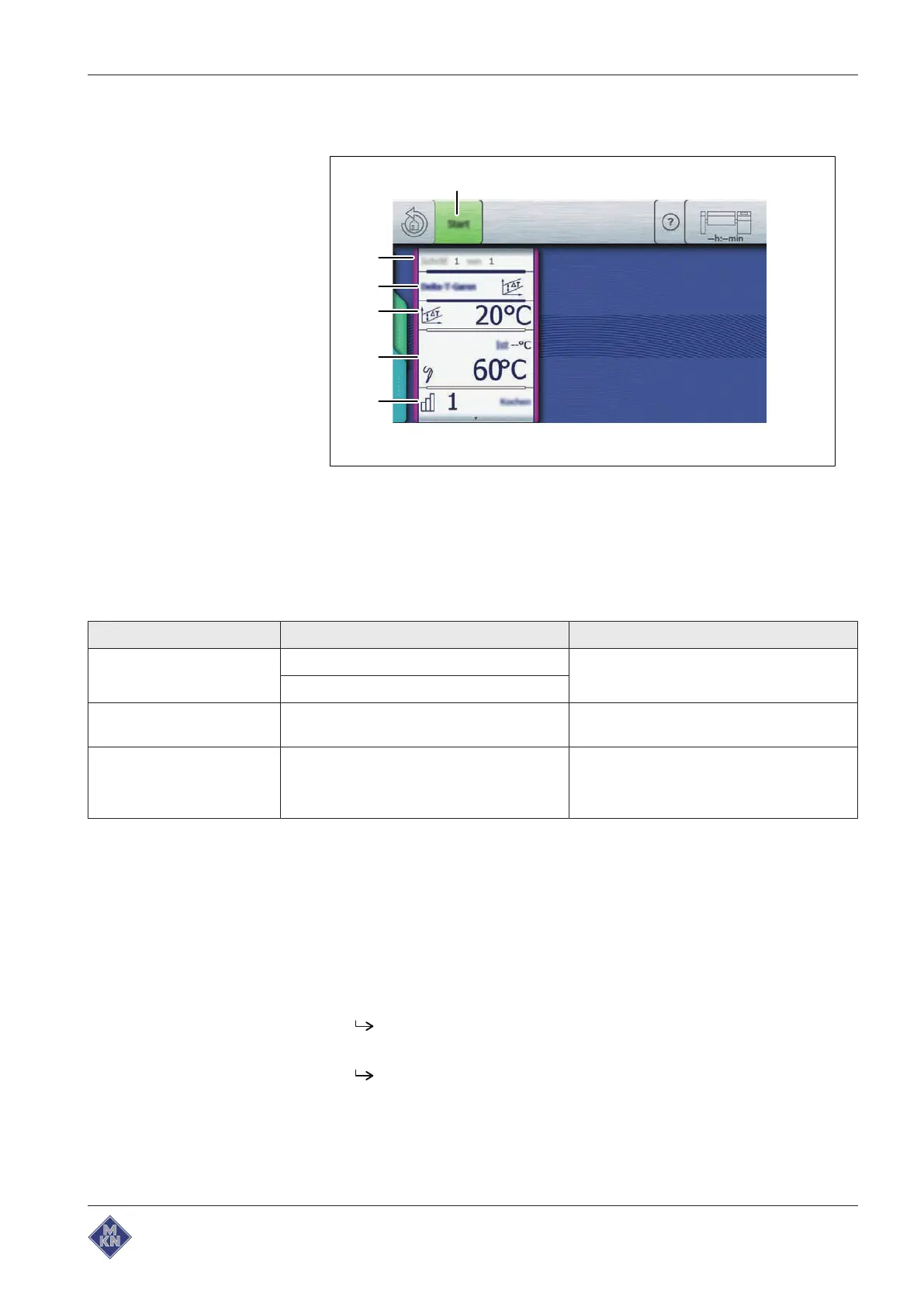
Image: Delta-T cooking mode
a "Start" button d
Cooking temperature difference
field
b
Cooking mode
window e
Cooking time
field
c
Cooking mode
field f
Level
field
Possible settings for the Delta-T cooking mode:
Setting Possible setting Explanation
Level Cooking Preparation style setting
Frying
Cooking temperature
difference
20 – 100 °C In 1-degree increments
Cooking time
Core temperature-
controlled
Core temperature
button
20 – 100 °C
In 1-degree increments
Starting Delta-T cooking
Requirement Food to be cooked is in the pan
Core temperature sensor set
Lid closed
Manual cooking
menu displayed
1. Tap Delta-T cooking mode.
The
Cooking mode
window is displayed.
2. Configure the settings.
The
Cooking mode
window shows the configured settings.
4426201-20ABBE-A



 To Next Page