Operating the unit
25Operating instructions
4.2.2 Measuring the core temperature when cooking frozen food
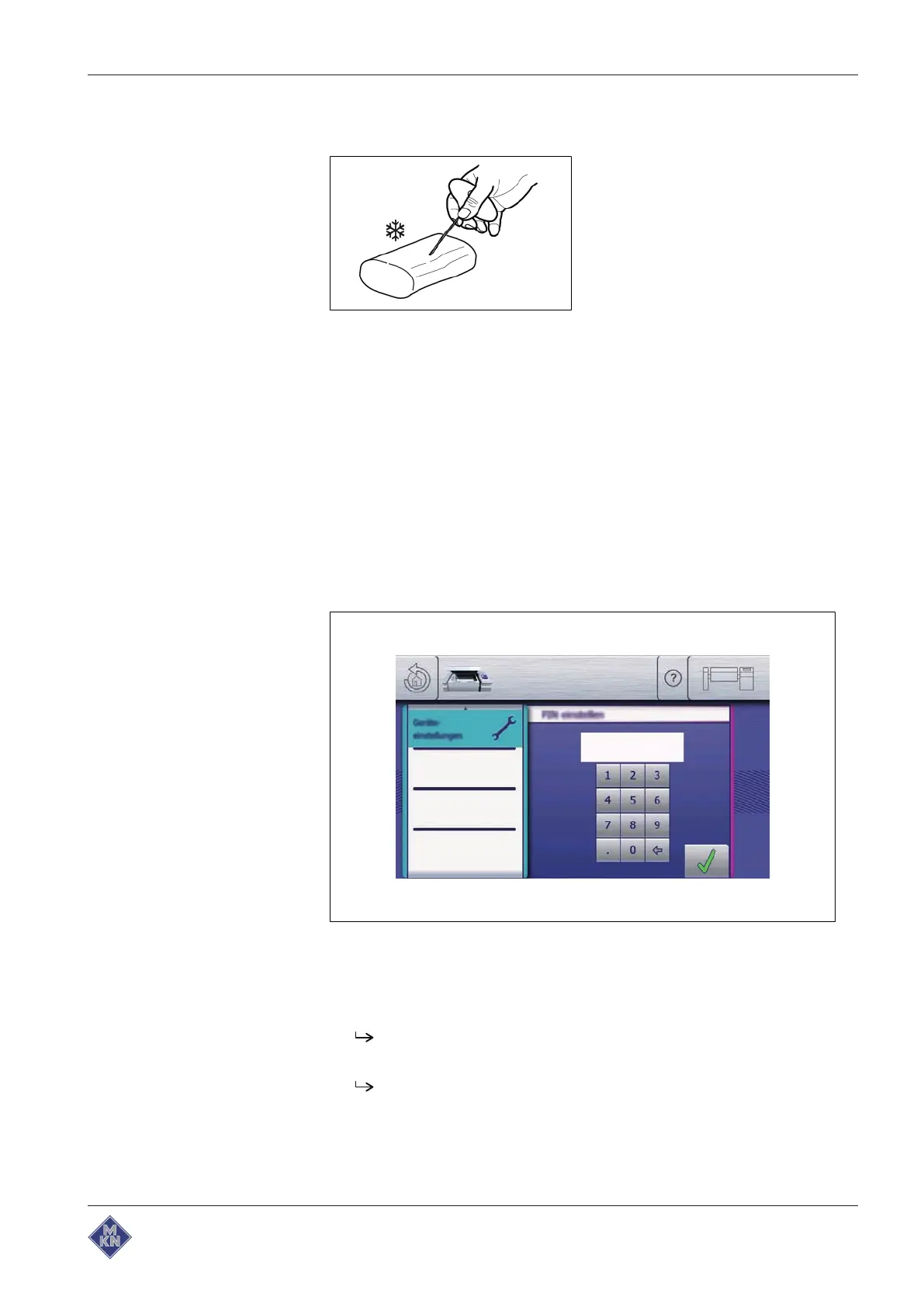
Image: Drilling an insertion channel with a hand drill
1. Use a hand drill to make an insertion channel for inserting the
sensor.
2. Put the food to be cooked into the pan.
3. Insert the core temperature sensor into the food to be cooked.
4.3 Performing the basic control setting
4.3.1 Opening the equipment settings menu
The basic settings for operation can be displayed and changed by
entering the PIN "111".
Image:
PIN
window
Requirement The Main menu is displayed
1. Tap the "Equipment functions" button.
The
Equipment functions
menu is displayed.
2. Tap the "Equipment settings" field.
The
PIN
window opens.
3. Enter the PIN.
4426201-20ABBE-A



 To Next Page