Operating the unit
46 Operating instructions
The process can be cancelled at any time by tapping the "Stop"
button. When the process has been cancelled, the pan must
once again be tilted until the contents are just about to overflow.
The process ends automatically when the set portion quantity is
reached and the pan tilts back slightly to prevent the contents
from overflowing.
4. Wait for the pan to tilt back slightly.
The container has been filled with the portion quantity.
The process can start again.
4.5.7 Flushing the pan
ATTENTION
Risk of physical damage through overflowing water
• Monitor the water inlet and do not leave the unit unattended.
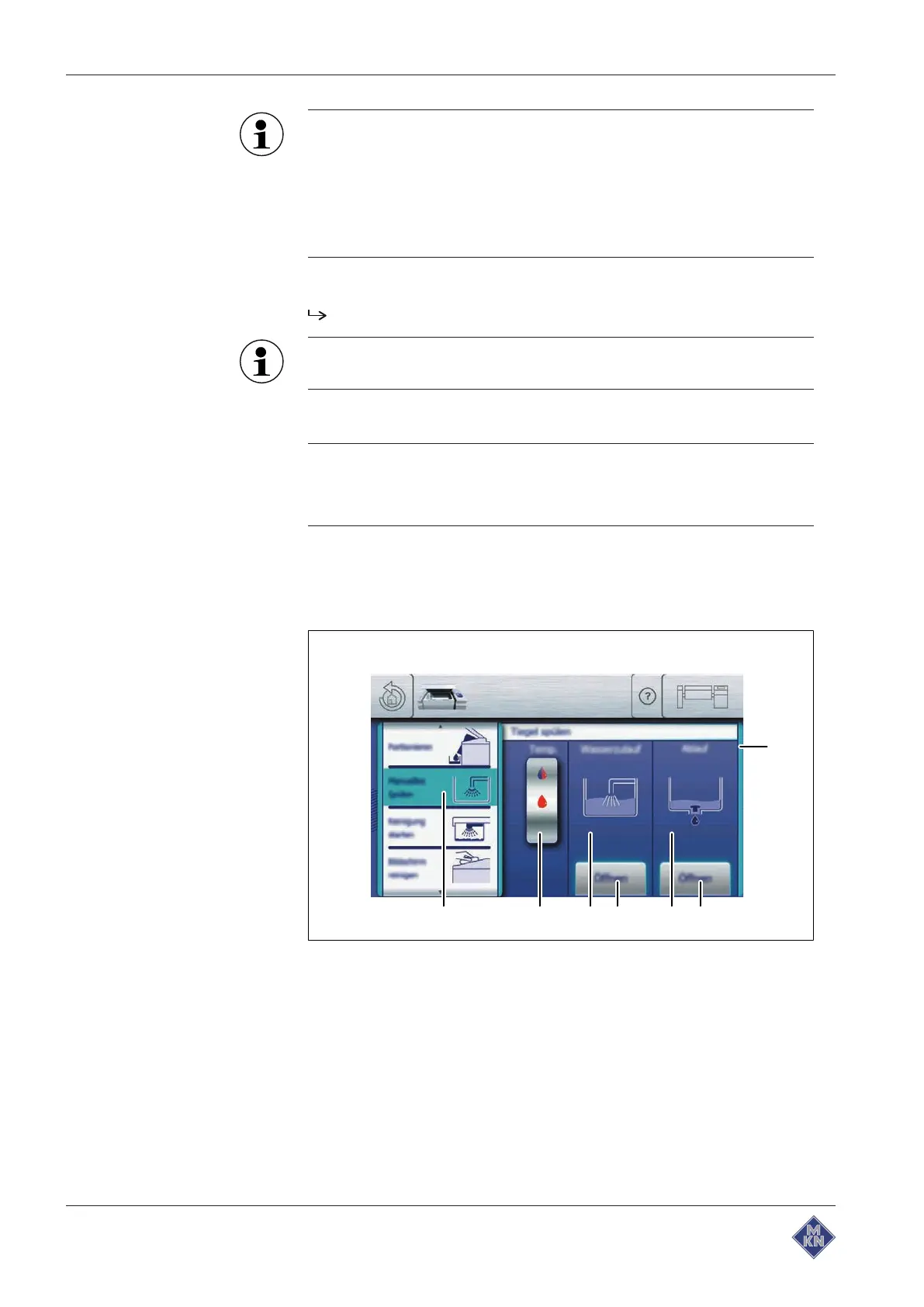
The water inlet and drain can be operated simultaneously to flush the
pan manually. The two functions are next to each other in the
Actuate
window to ensure quick access.
Image: Flushing the pan
a
Actuate
window d "Water inlet" area
b "Open" button e Rollers
c "Drain" area f "Manual flush" field
4426201-20ABBE-A



 To Next Page