Operating the unit
26 Operating instructions
4. Tap the
Confirm
button.
The
Equipment settings
menu is displayed.
The basic settings can be changed.
If an incorrect PIN is entered, access can only be gained to the
equipment information in the
Equipment settings
menu.
4.3.2 Retrieving equipment information
The equipment information contains details about the software
and hardware version, the serial number of the unit and contact
details.
Requirement
Equipment settings
menu displayed
Tap the "Equipment information" field.
The
Equipment information
window is displayed.
Equipment information can now be read.
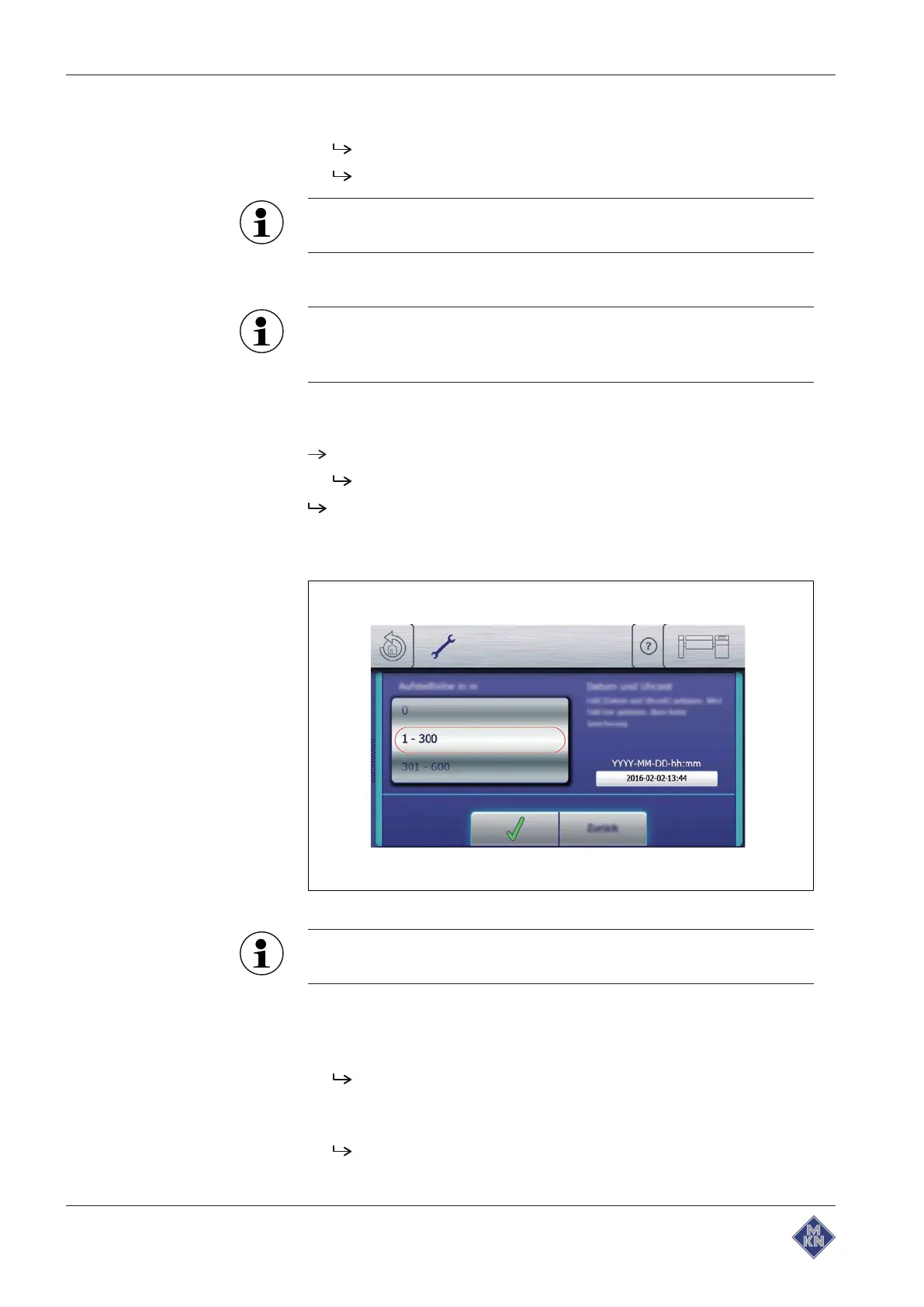
4.3.3 Setting the date, time and altitude
Image: Setting the date, time and altitude
Observe the displayed date and time format carefully. If values
are invalid, the entry is not accepted.
Requirement
Equipment settings
menu displayed
1. Tap the "Set date, time and altitude" field.
The
Setting
window is displayed.
2. Swipe to set the altitude in metres.
3. Tap the date and time input field.
The
Keypad
menu is displayed.
4. Enter the date and time.
4426201-20ABBE-A



 To Next Page