Operating the unit
37Operating instructions
4.4.5 Exporting the HACCP log
The unit logs operation in an HACCP log. The HACCP logs can be
exported via the USB port with a USB flash drive.
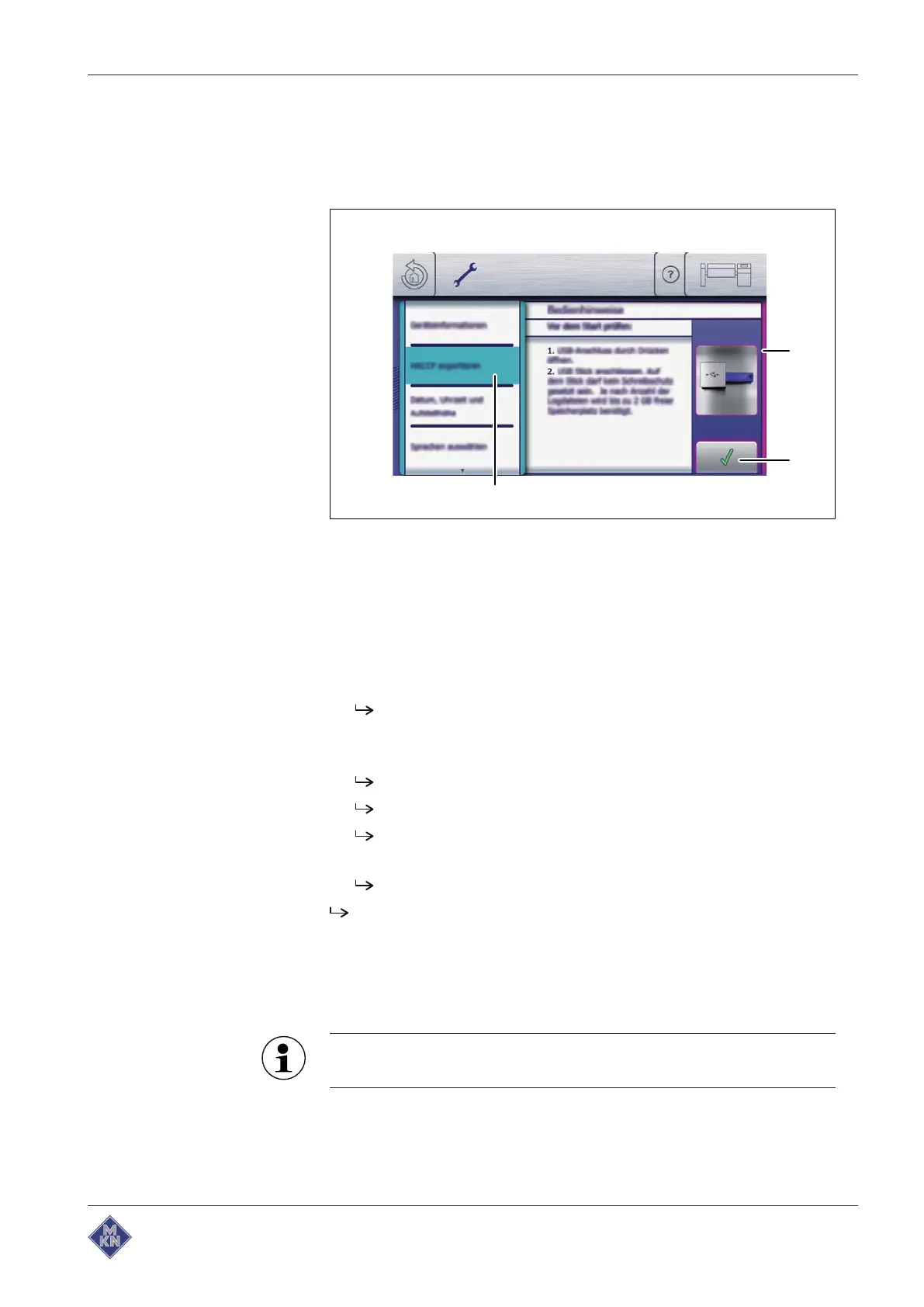
Image: Exporting HACCP
a
Operating instructions
window c "Export HACCP" field
b
Confirm
button
Requirement USB flash drive inserted
Equipment settings menu displayed
1. Tap the "Export HACCP" field.
The
Operating instructions
window is displayed.
2. Read the displayed operating instructions.
3. Tap the
Confirm
button.
The
Operating instructions
window closes.
The HACCP log is exported to the USB flash drive.
The
Confirm
window is displayed.
4. Tap the
Confirm
button.
The
Confirm
window closes.
The HACCP log is exported.
4.5 Equipment functions
Various functions or settings can be selected in the "Equipment
functions" menu.
The
Equipment function
menu is locked for further operation
while an equipment function is running.
4426201-20ABBE-A



 To Next Page