Operating the unit
28 Operating instructions
4.3.5 Setting cookbook authorisations
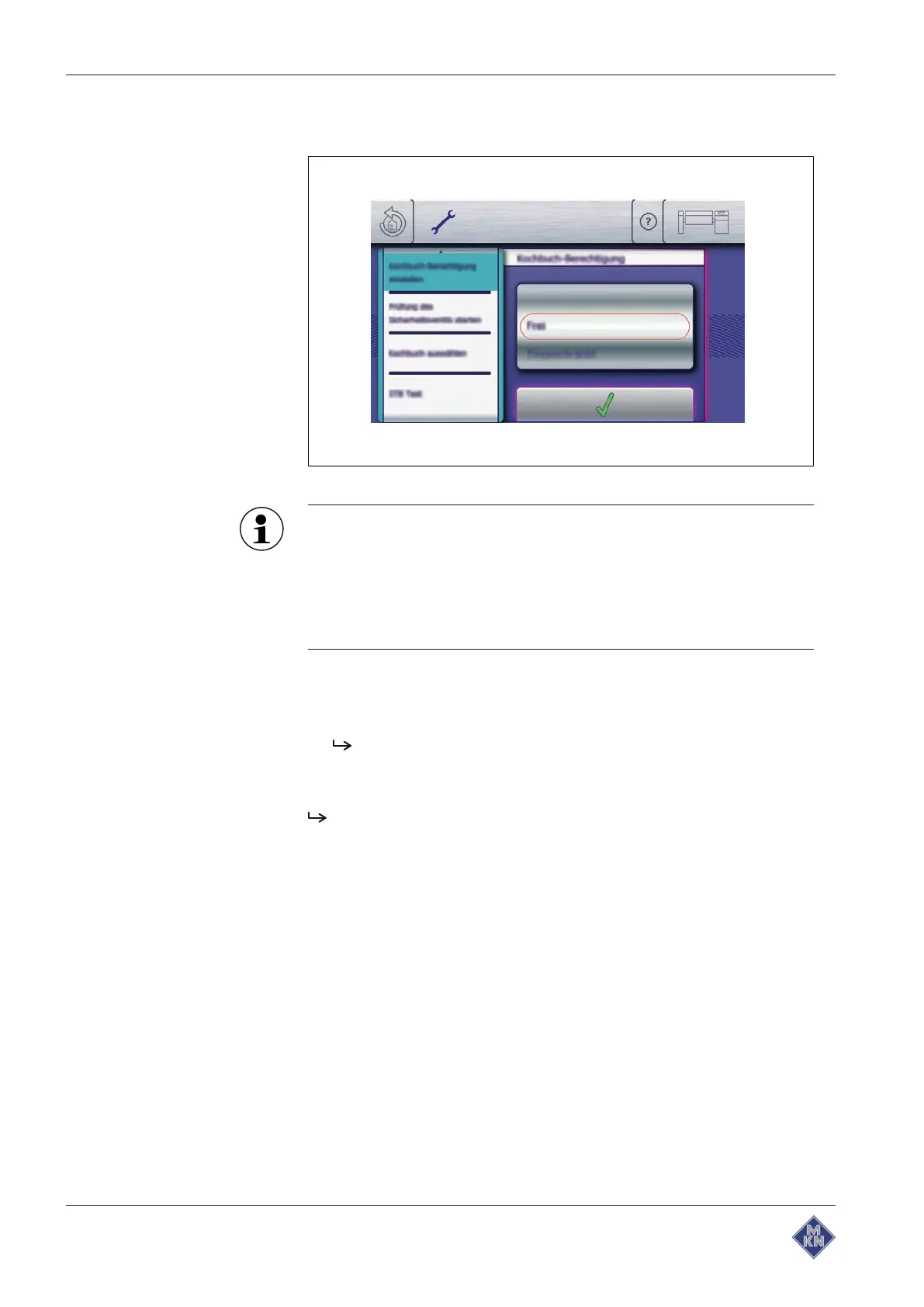
Image: Setting cookbook authorisations
The following authorisation levels are available for selection:
Free: No restrictions.
Restricted: Saving or deleting cooking programs is not
permitted.
Locked: Changing the cooking programs is not permitted.
Requirement
Equipment settings
menu displayed
1. Tap the "Set cookbook authorisation" field.
The
Setting
window is displayed.
2. Swipe to set cookbook authorisations.
3. Tap the
Confirm
button.
Cookbook authorisations are set.
4426201-20ABBE-A



 To Next Page