Operating the unit
90 Operating instructions
Finding a cooking program
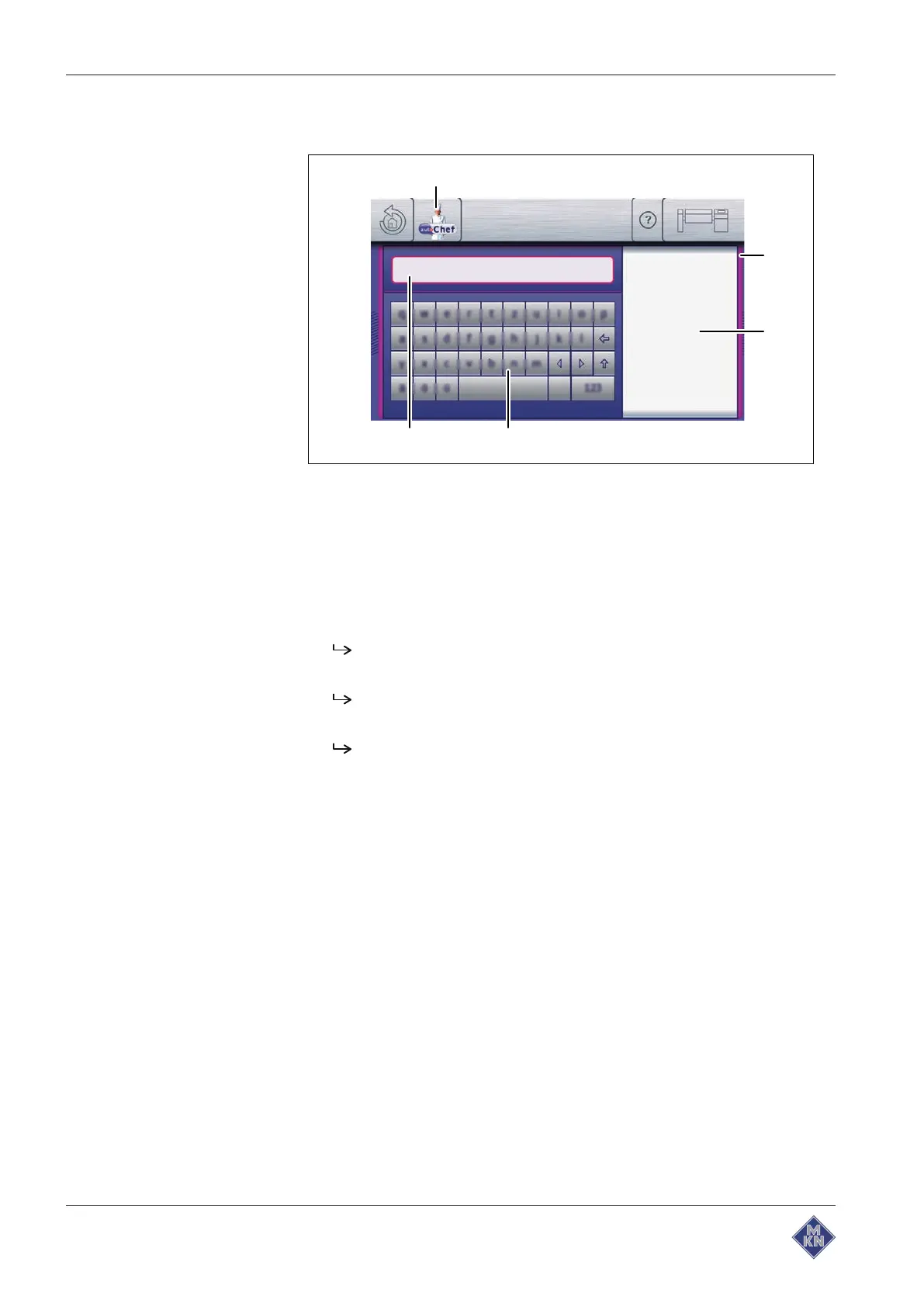
Image: Find window
a
Find
window d
Text input
display
b Separating bar display e "autoChef" button
c
Results
keypad
Requirement
Automatic cooking
menu displayed
1. Tap the "autoChef" button.
The
autoChef
window is displayed.
2. Tap the "Find cooking program" field.
The
Find
window is displayed.
3. Enter the cooking program name as text.
The
Results
display shows the cooking programs that have
been found.
The search only finds cooking programs with names which begin with
the characters entered.
The
Results
display updates automatically when a character is
entered.
4426201-20ABBE-A



 To Next Page