Description of the unit
21Operating instructions
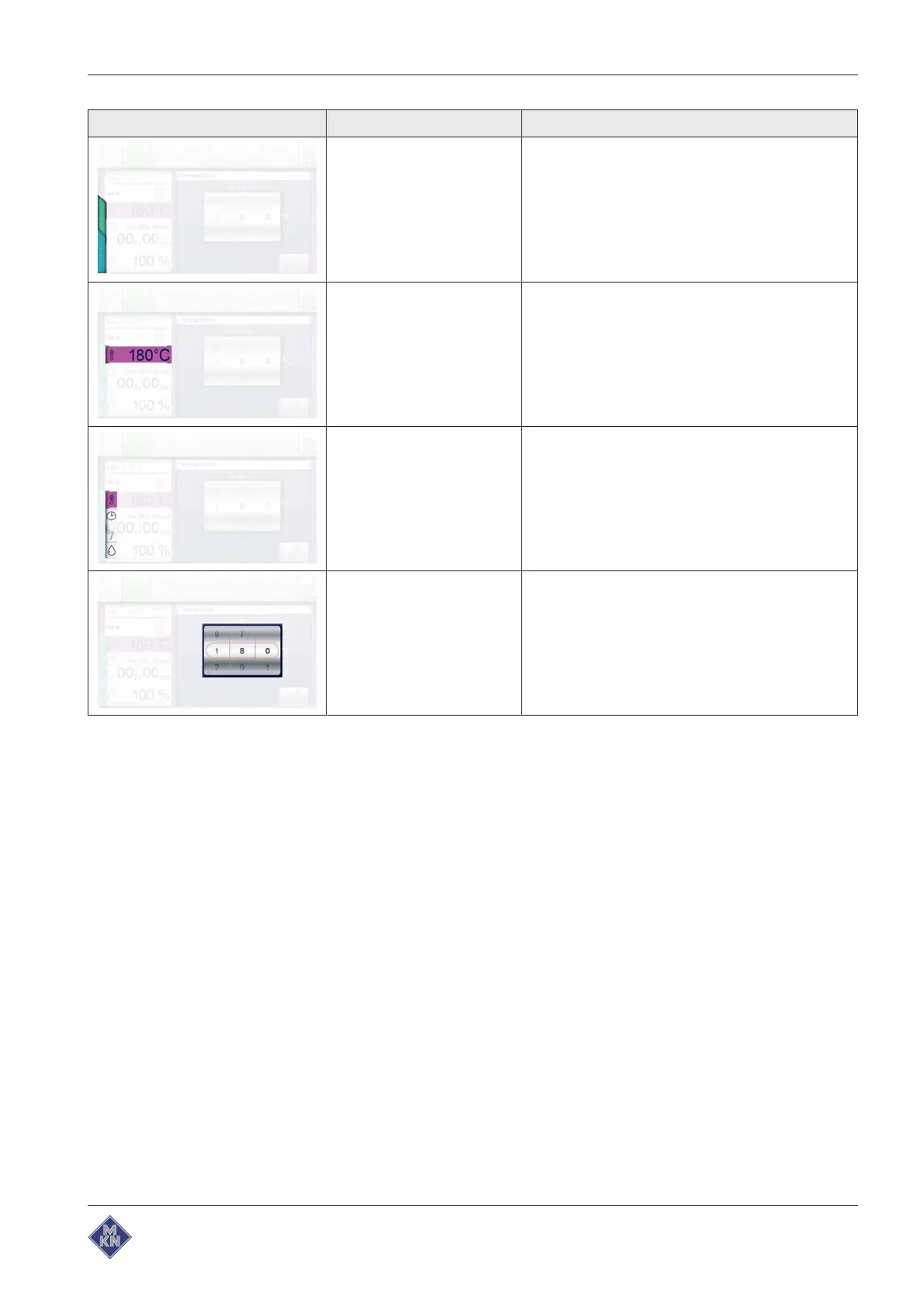
Symbol Display element Function
Tab The
Blue
tab and
Green
tab are located on the left
side of the touchscreen. The tabs are only
available in the Cooking steps display.
Tapping the tabs offers quick access to equipment
functions and cooking program functions.
Display Displays are information-containing areas in
windows.
Displays show entries and current information
some of which may be operated by tapping.
Symbol Symbols are graphical elements in windows and in
the toolbar.
Symbols indicate current states and possible
functions some of which may be operated by
tapping.
Roller Rollers are areas where settings can be made by
means of swipe gestures.
4426201-20ABBE-A



 To Next Page