Operating the unit
33Operating instructions
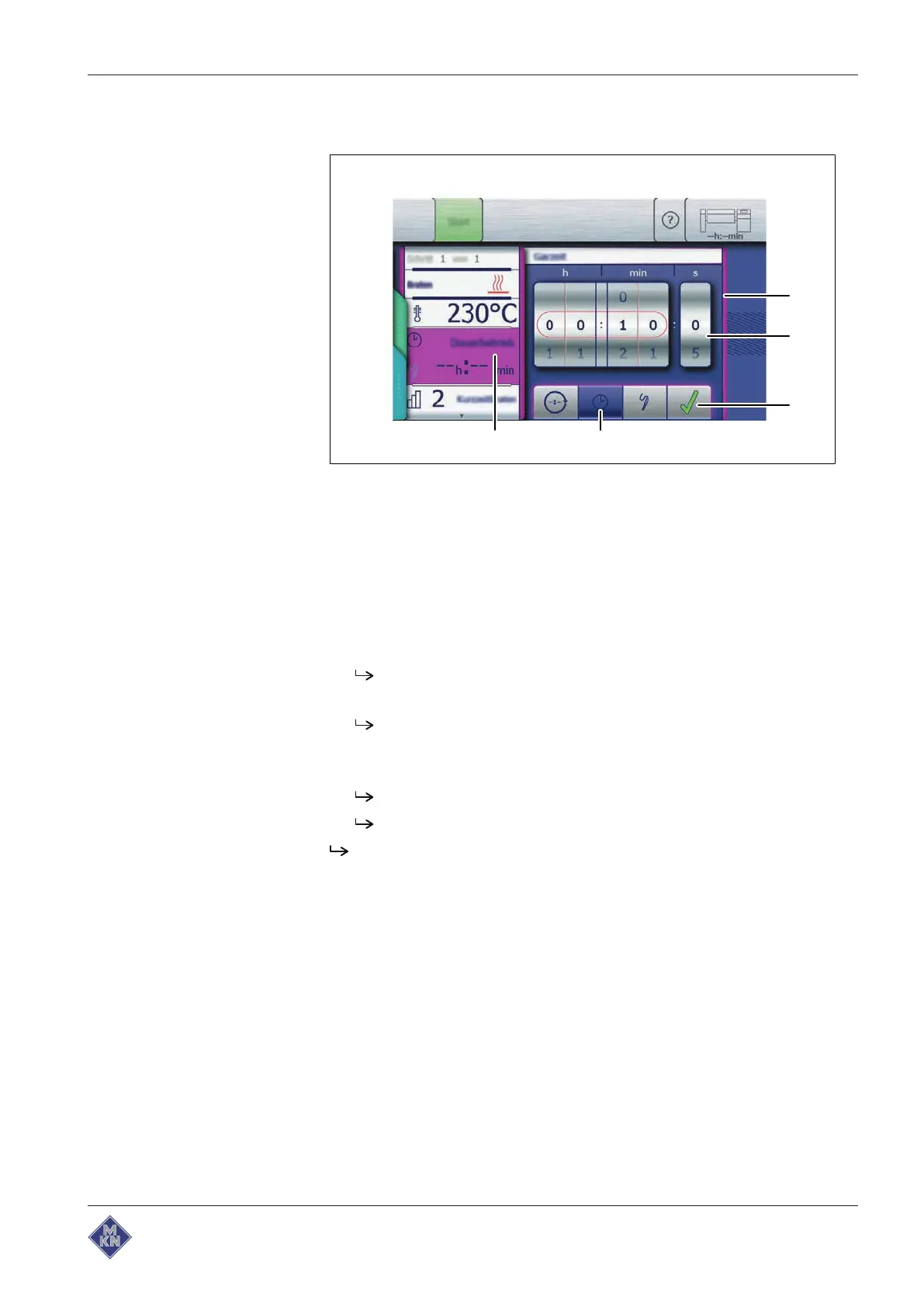
Setting a time-controlled cooking time
Image: Setting a time-controlled cooking time, frying mode
a
Setting
window d
Cooking time
button
b Rollers e
Cooking time
field
c
Confirm
button
Requirement Cooking program selected
Cooking mode
window displayed
1. Tap the
Cooking time
field.
The
Setting
window is displayed.
2. Tap the
Cooking time
button.
The rollers used to set the cooking time are displayed.
3. Swipe to set a time-controlled cooking time.
4. Tap the
Confirm
button.
The
Setting
window closes.
The
Cooking mode
window displays the set cooking time.
The time-controlled cooking time is set.
4426201-20ABBE-A



 To Next Page