Operating the unit
73Operating instructions
The timer has a timing function only and does not end the cooking
mode.
Possible settings for the zone frying mode:
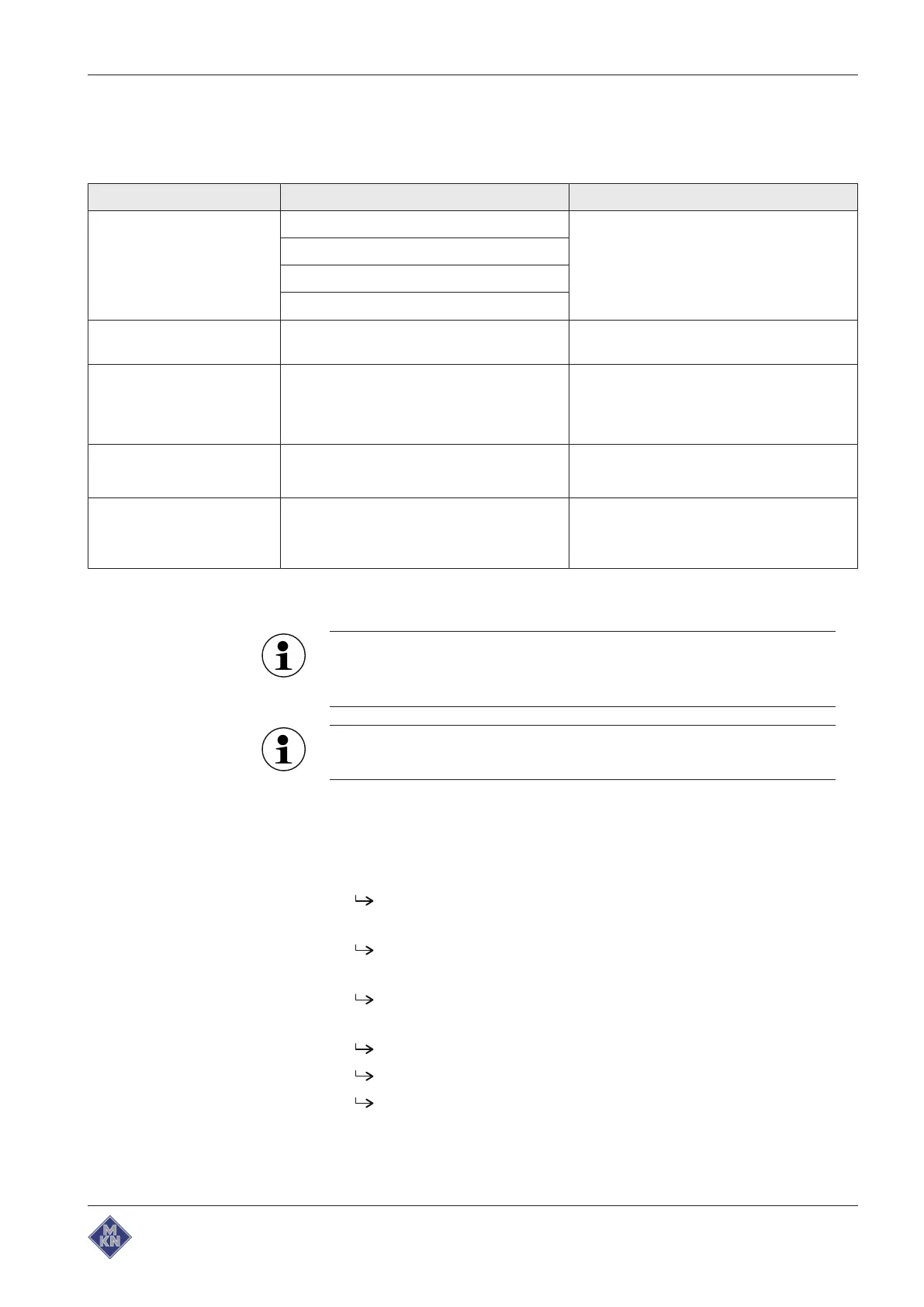
Setting Possible setting Explanation
Level Zone off Output setting, set individually for each
zone
Slow frying
Quick frying
Searing
Cooking temperature 100 – 300 °C In 1-degree increments, set individually for
each zone
Cooking time
Continuous operation
Continuous operation
button
or
00:00:0 h:min:s
Ends after 24 hours, set individually for
each zone
Cooking time
Time-controlled
Cooking time
button
00:00:5 — 29:59:55 h:min:s
In 5-second increments, set individually for
each zone
Cooking time
Core temperature-
controlled
Core temperature
button
20 – 99 °C
In 1-degree increments, the cooking time
can be controlled according to core
temperature within a zone
Starting zone frying
The level, cooking time and cooking temperature can be set
individually for each zone. Zones that have been started must
be stopped first.
In order to achieve the best possible results, the temperature
differences between adjacent zones should not exceed 30 °C.
Requirement Lid opened
Manual cooking
menu displayed
1. Tap zone frying mode.
The
Zone selection
menu is displayed.
2. Tap the zones to be heated.
The
Zones
windows are displayed.
3. Configure the settings for all zones.
The
Zones
windows show the configured settings.
4. Tap the "Start" button in the information bar.
The pan heats up.
The "Start" button is replaced with the "Stop" button.
The
Start/Stop
fields are activated.
4426201-20ABBE-A



 To Next Page