EasyManua.ls Logo

MKN SpaceCombi Team - Page 49

MKN SpaceCombi Team
100 pages
Print Icon
To Next Page IconTo Next Page
To Previous Page IconTo Previous Page
Loading...
Operating the unit
49Operating instructions
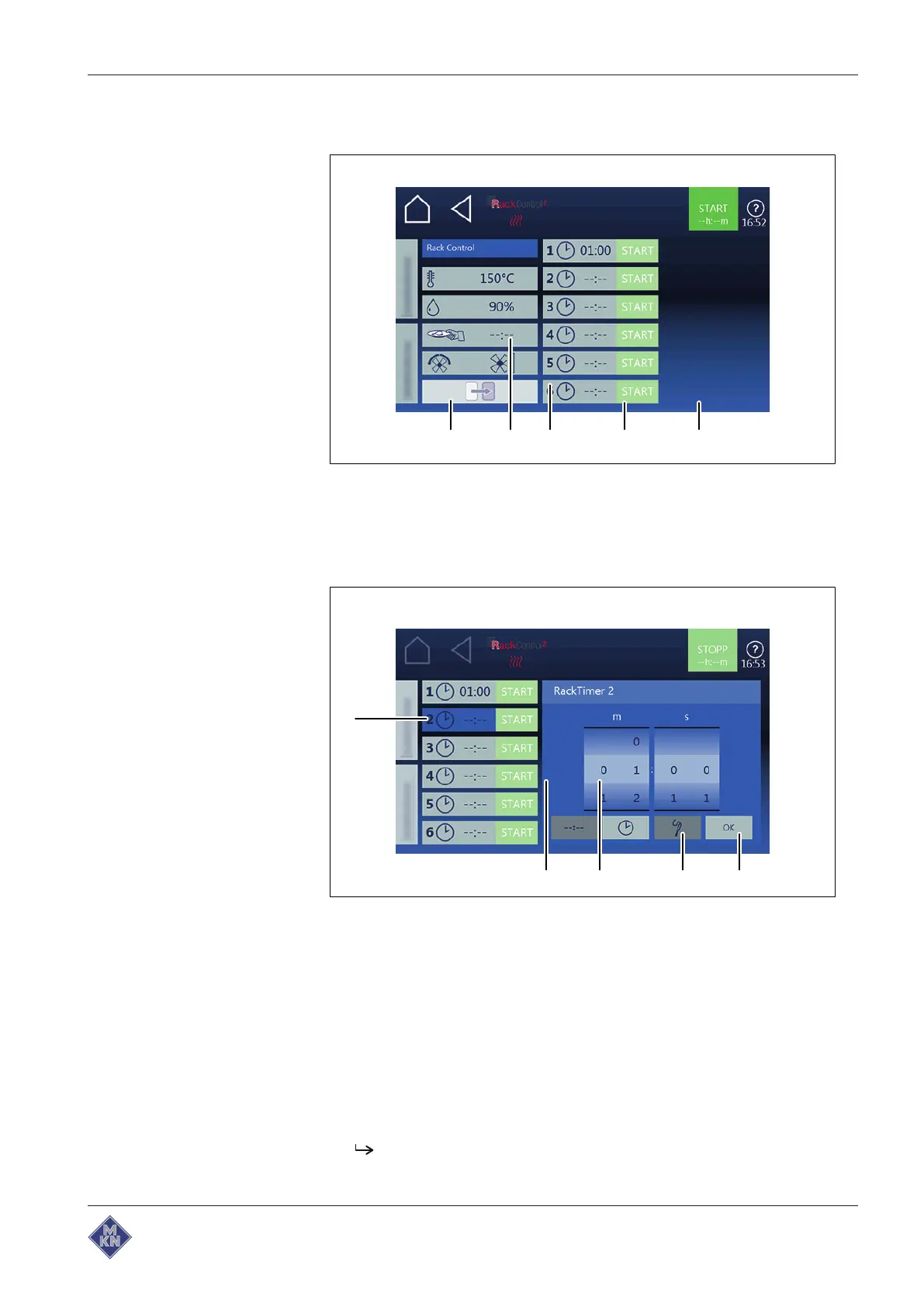
Setting and starting RackControl2
a b c d e
Image: Cooking time setting window RackControl2
a
Equipment settings
field d
Start time
button
b
Slide-in unit
field e
Confirmation
button
c
Start time
window
a
e
bcd
Image: Core temperature setting window RackControl2
a
Confirmation
button d
Equipment settings
field
b
Core temperature
button e
Start time
field
c Rollers
Requirements
Manual cooking
field selected
1. Tap the
RackControl2
field.
2. Tap the
Cooking mode
field.
3. Tap the
Settings
field.
4. Open the next page with an upwards wiping gesture.
The next page with the
Fan setting
field is displayed.
5. Select the fan settings as required.
4127003--0ABBE-E

Table of Contents

Related product manuals