Operating the unit
50 Operating instructions
6. Select the desired rack.
7. Configure the desired settings and confirm (see "Setting cooking
time" and "Setting core temperature").
RackControl2 for selected rack is set.
8. Configure the settings for further racks as required.
9. Tap the "Start" button in the information bar.
The display changes to "Actual display".
The unit heats up.
The "Start" button is replaced with the "Stop" button.
RackControl2 is started.
Ending RackControl2
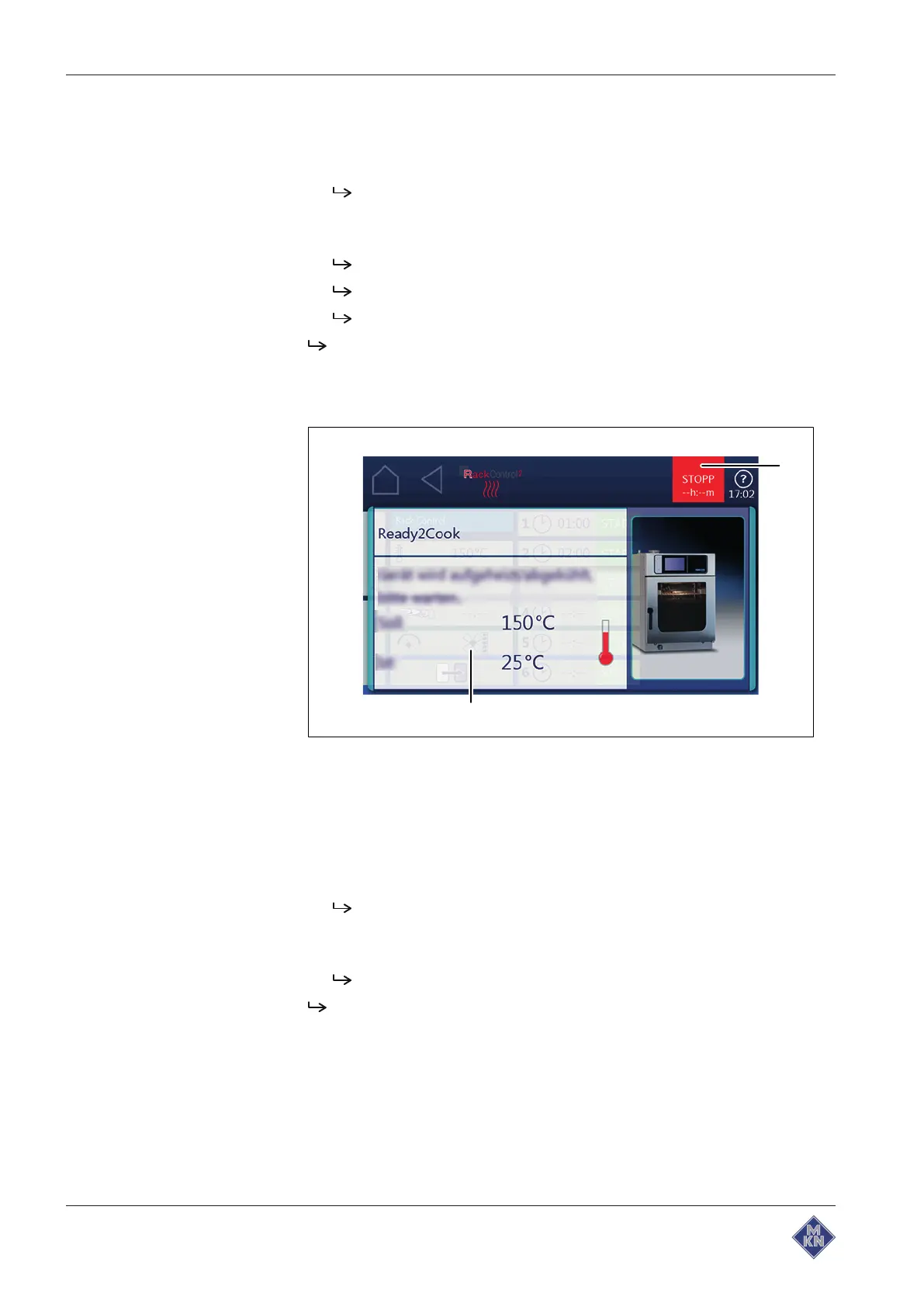
Image: End window RackControl2 prematurely
a
Stop
button b
Setting
window
Requirements RackControl2 started
Preheating temperature not reached
1. Tap the
RackControl2
window.
The last
Settings
display is shown.
2. Open the next page with an upwards wiping gesture.
3. Tap the
Continue
field.
Preheating is interrupted.
RackControl2 starts with the actual temperature.
4127003--0ABBE-E



 To Next Page