Chapter Five: Ethernet Interface
Setup and Configuration
Step 2: Setup Network for Communication
through Ethernet
46
Option 1: Network Automatic Setup
A software script allows you to rapidly create a network connection to the MFC. Once connected a series of
web-browser type windows allow you to easily monitor and configure the MFC.
1. Logon to the MKS website (www.mksinst.com/MDsw.html) and download a copy of the IP setup script,
HostIP.cmd by clicking on the HostIP.cmd link.
2. Copy the setup script HostIP.cmd to your root directory (Typically C:\).
3. Connect a crossover network cable to the MFC and your laptop computer. A crossover cable is required
when the MFC is connected directly to a computer. When the MFC is connected to a network using a hub
interface, a standard Ethernet cable can be used.
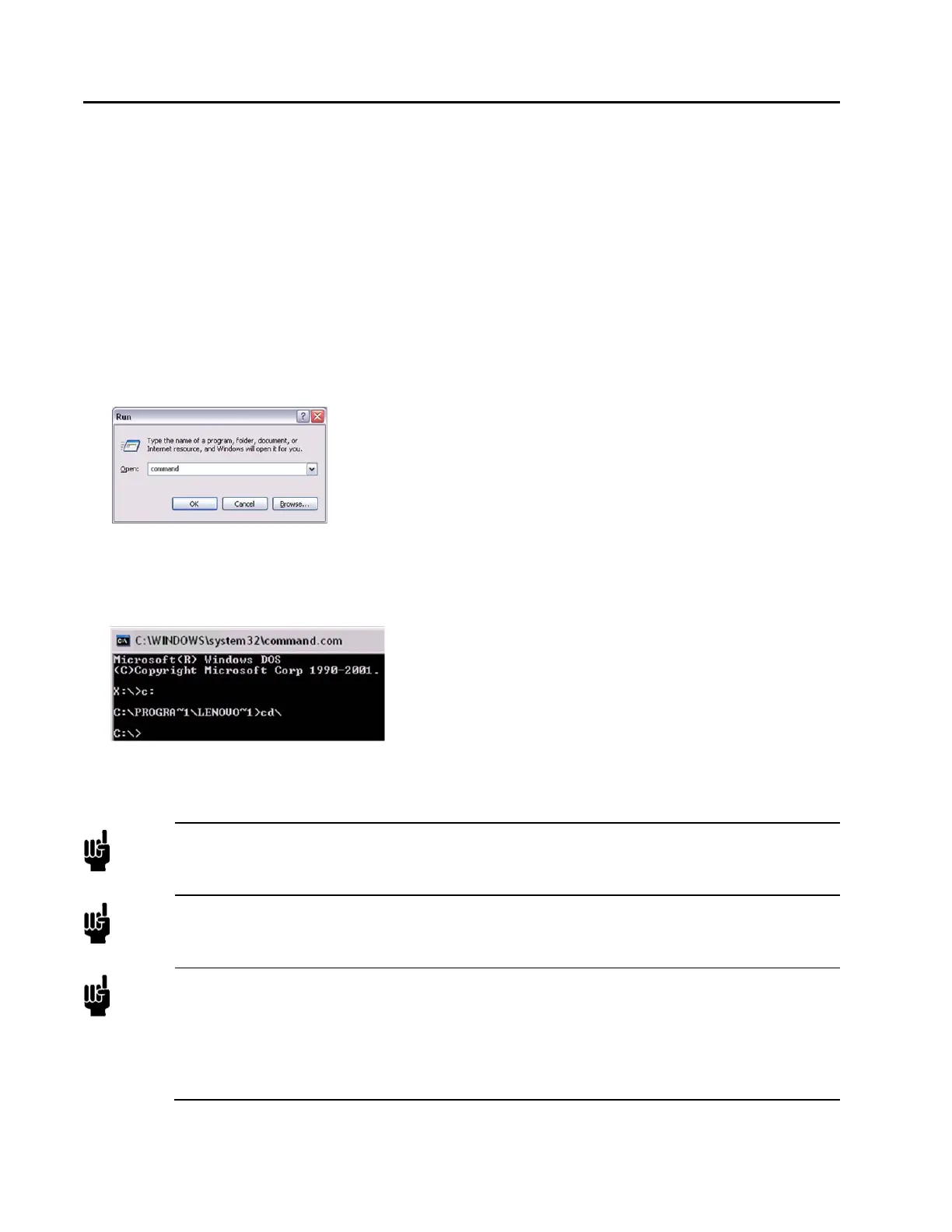
4. From your computer’s “Start” menu, select “Run...” then enter the word “command” and click OK.
5. At the command prompt, if it’s not already in the root directory “C:\>”, then you can use the following
commands to change the directory: “CD\” will bring you to the root of whatever drive that is currently
set. If this is not the root directory, enter the command “C:”. Use the “CD\” command again if necessary.
This will bring you to the C:\> prompt. See the example below:
6. Enter the command “HostIP x y z” where (x) stands for the IP address of your Host computer, (y) stands
for the subnet mask and (z) stands for the gateway. The system will setup a new host IP address and
display it as shown in the example below:
Note
The HostIP.cmd script looks for a network connection with the name “Local Area Connection”.
If the network connection you’re using does not have this name and can be renamed, this is
easiest. If not, then you’ll need to use one of the other manual options.
Note
The HostIP.cmd script does not need the subnet mask (y) or gateway (z) to work. If only the
Host IP address (x) is sent with the command, the script assigns its own subnet mask (255.0.0.0)
and gateway (10.0.0.0).
Note
The MKS IP Address format is 192.168.2.X, so the Host IP Address must be of the same format.
A recommended Host IP address is 192.168.1.Y with a Subnet Mask of 255.255.252.0, where Y
is some number between 5 and 254. The combination of a Subnet Mask with the value of “252”
in the third segment along with a 192.168.1.Y IP allows for a connection to any IP address in the
192.168.1.X, 192.168.2.X & 192.168.3.X range. By setting the Host IP to 192.168.1.X, there is
assurance that there will never be a conflict between the Host and the MKS MFC.



 To Next Page