Step 2: Setup Network for Communication
through Ethernet
Chapter Five: Ethernet Interface
Setup and Configuration
51
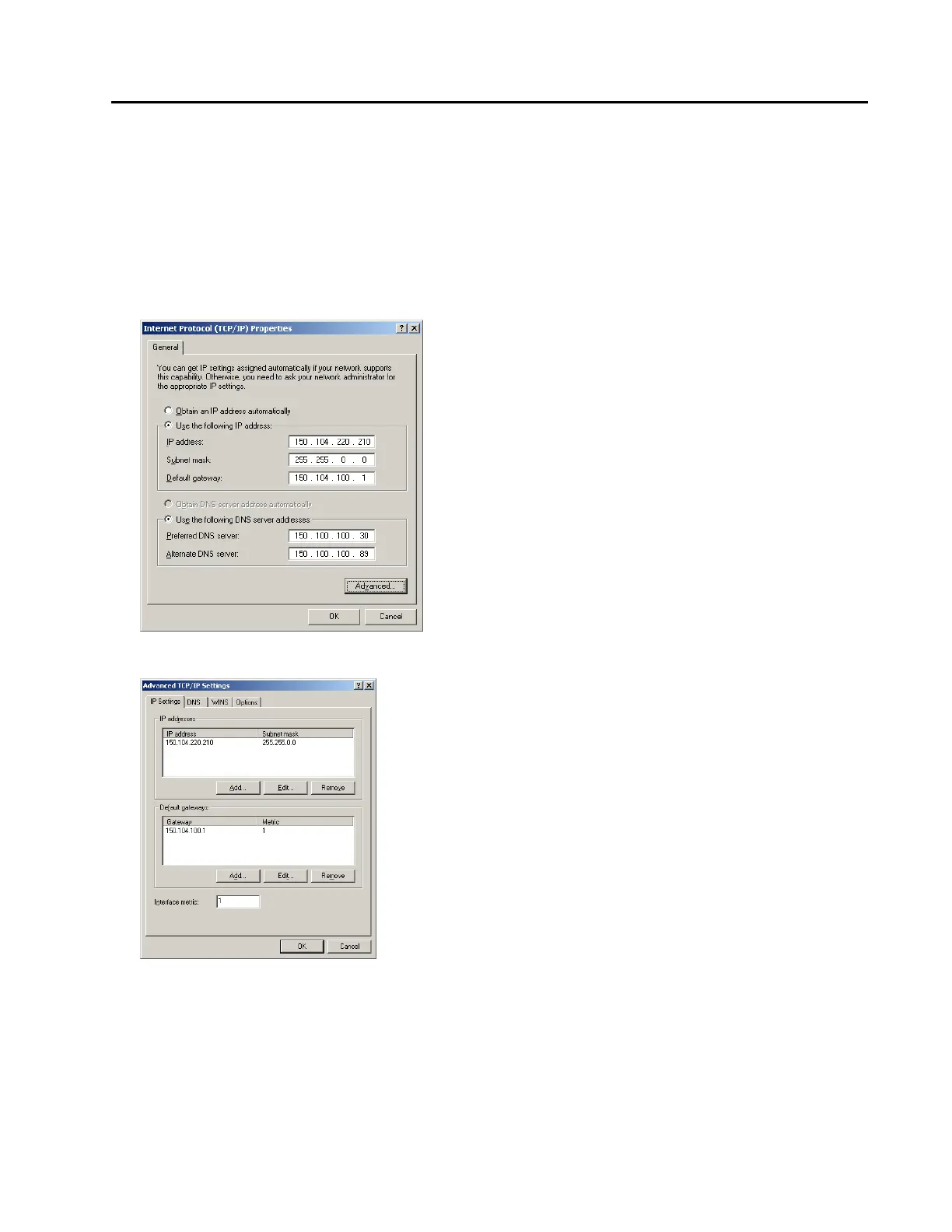
7. Select Use the following IP address. Now do the following to configure your computer so that it can still
connect to the Internet:
o Type in the “IP address”, the “Subnet mask” and the “Default gateway” fields with values returned
from the “ipconfig /all” query in the DOS command window.
o Select “Use the following DNS server addresses:”
o Type in the Preferred DNS server and the Alternate DNS server fields with values returned from the
“ipconfig /all” query in the DOS command window. An example is shown below:
8. Click the “Advanced…” button at the bottom of the window. The following window will be displayed:



 To Next Page