NPort W2150/2250 Plus Series User’s Manual Getting Started
2-3
LED Indicators
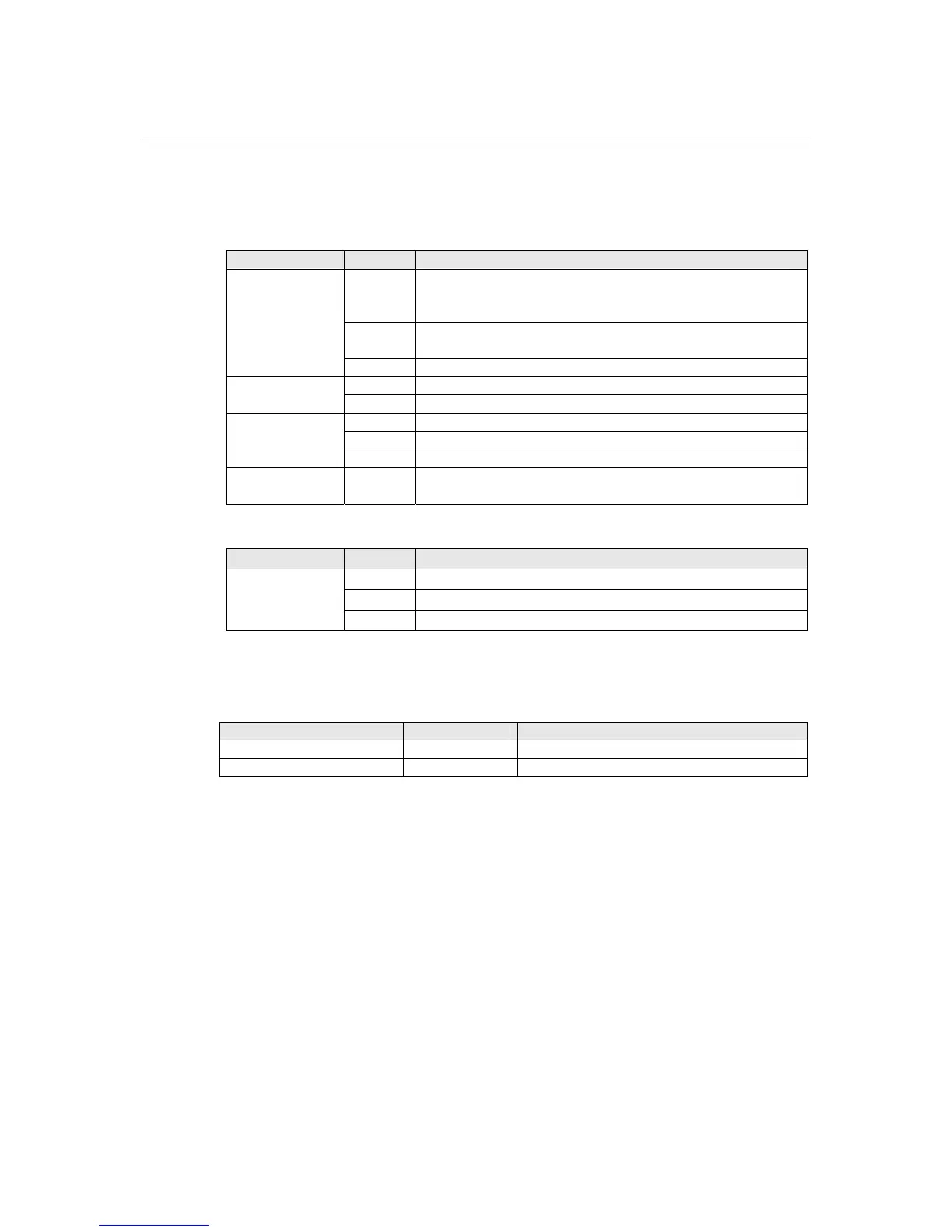
Top Panel LED Indicators
Name Color Function
Red
Steady on: Power is on and NPort is booting up.
Blinking: IP conflict or DHCP/ BOOTP server did not
respond properly.
Green
Steady on: NPort is functioning normally.
Blinking: Unit is responding to Locate function.
Ready
Off Power is off or a power error condition exists.
Green Wireless enabled.
WLAN
Off Wireless not enabled.
Orange Serial port is receiving data.
Green Serial port is transmitting data.
Serial 1
Serial 2
Off No data is flowing to or from the serial port.
Signal Strength
(5 LEDS)
Green
More LEDs indicates better signal; 5 LEDs indicates maximum
signal strength.
End Panel LED Indicators
Name Color
Function
Orange 10 Mbps Ethernet connection
Green 100 Mbps Ethernet connection
Ethernet
Off Ethernet cable is disconnected or has a short
Pull High/Low Resistors for RS-422/485
You may need to set the pull high/low resistors when termination resistors are used for certain RS-
422 or RS-485 environments.
Serial Port Jumpers Pull High/Low Setting
Port 1 JP5 and JP6 150 KΩ=both open, 1 KΩ=both shorted
Port 2 JP7 and JP8 150 KΩ=both open, 1 KΩ=both shorted



 To Next Page
 Loading...






