NPort W2150/2250 Plus Series User’s Manual Web Console: Serial Port Settings
7-31
Login Password
Default
:
Options
free text (e.g., “Password123”)
Description
This field specifies how the NPort will respond when prompted for a password
to log in for a terminal session. The NPort will automatically respond with the
specified password when it receives the Password Prompt.
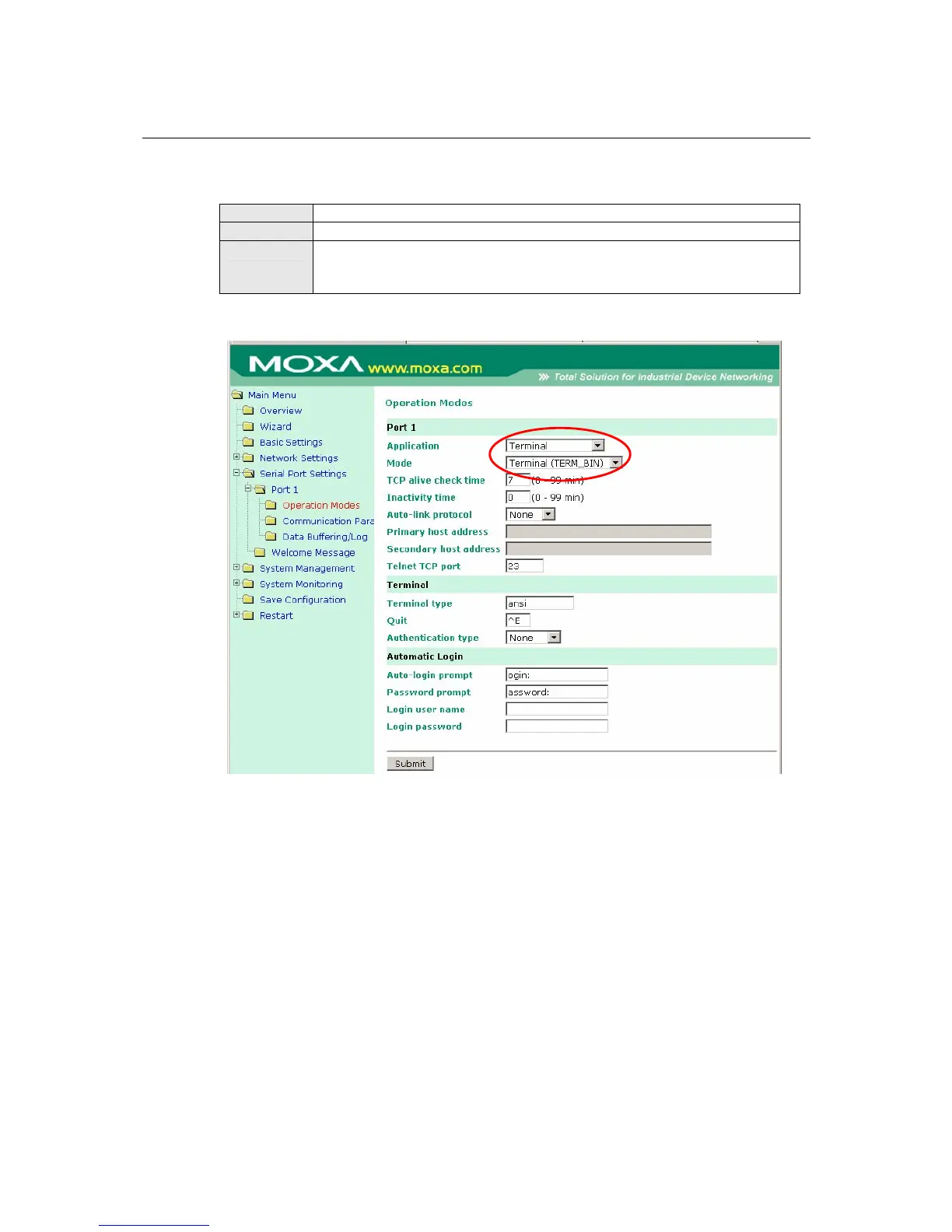
Settings for Terminal Binary Mode
When Mode is set to Terminal (TERM_BIN) on a serial port’s Operation Modes page, you will
be able to configure additional settings such as TCP alive check time, Inactivity time, and Auto-
link protocol. Terminal Binary mode can be used to transfer files with XMODEM or ZMODEM.
You are only allowed to open one terminal session at a time when in Terminal Binary mode.



 To Next Page
 Loading...






