10 Main components of your printer
The printer has a touch-screen panel located on the front right of the printer. The active keys are lit up on the panel for guidance.
• Tap: Lightly touch the key with your finger, then immediately release.
• Long-touch: Keep touching the key.
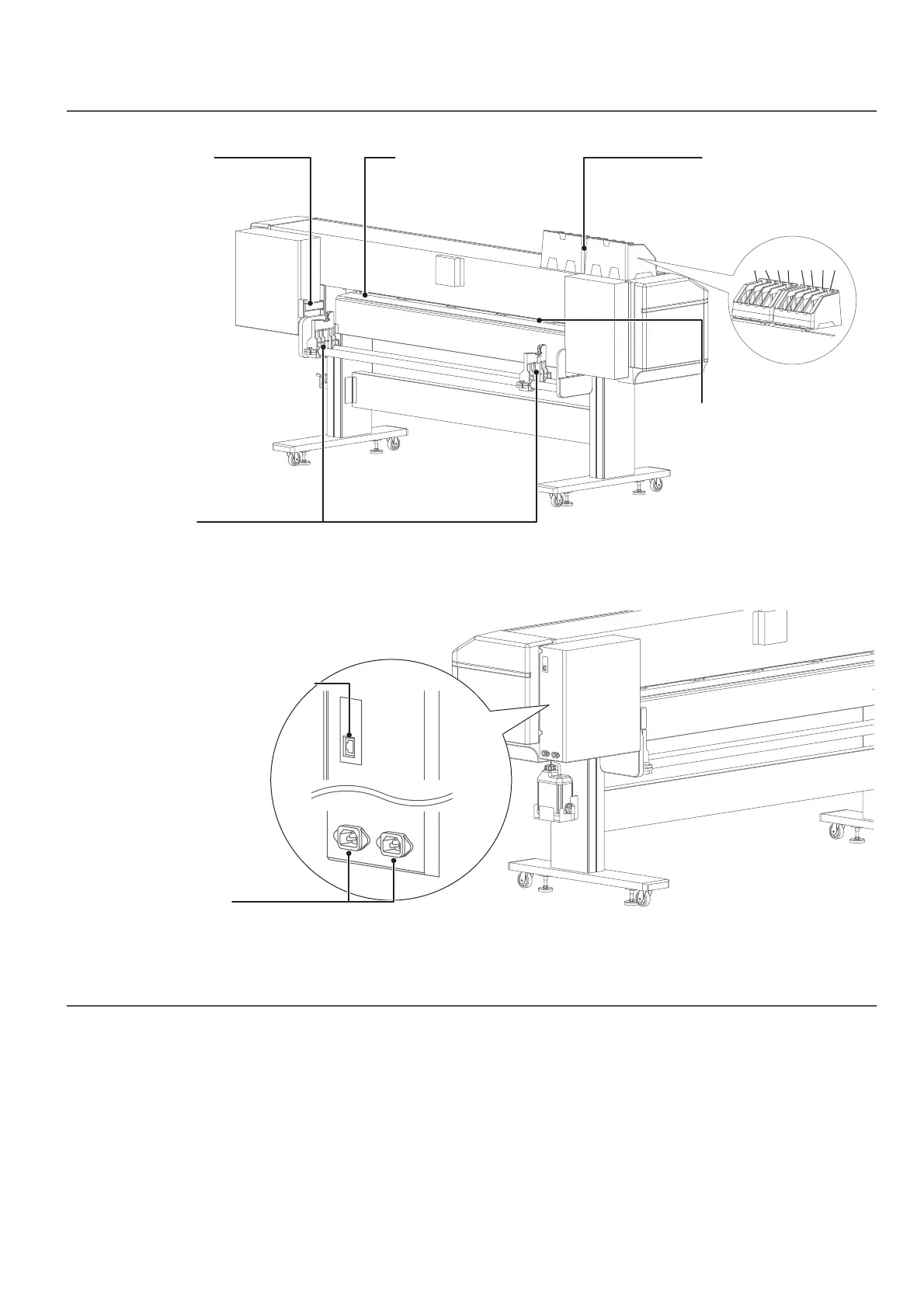
Rear side
Front panel
Network interface cable connector
AC inlet
Ink slots
Insert an ink bag case into
the slot.
(Illustration: XPJ-1682SR)
Media feed slot
Insert the front edge of the
media into this slot and pass
it to the front side to load it
into the printer.
Media feed lever
Hold down or release the
media. This lever is interlocked
with the media feed lever on
the front side.
Roll media holder
Attach the media anges to both ends of a roll
media and load it onto the roll media holder.
Media guide
Pass a roll media through
the media guide.
Slot number
Front side
87654321



 To Next Page