Cleaning of cleaning wiper 121
[4]
Tap [Enter].
• The carriage will move to the left side of the printer.
• The cleaning wiper will move upward.
[5]
The message on the left will appear.
• The printer will start cleaning.
Note
If you tap the key while “CR Maintenance End -> Enter” is displayed, the pump is activated, sucking up the ink in the cap.
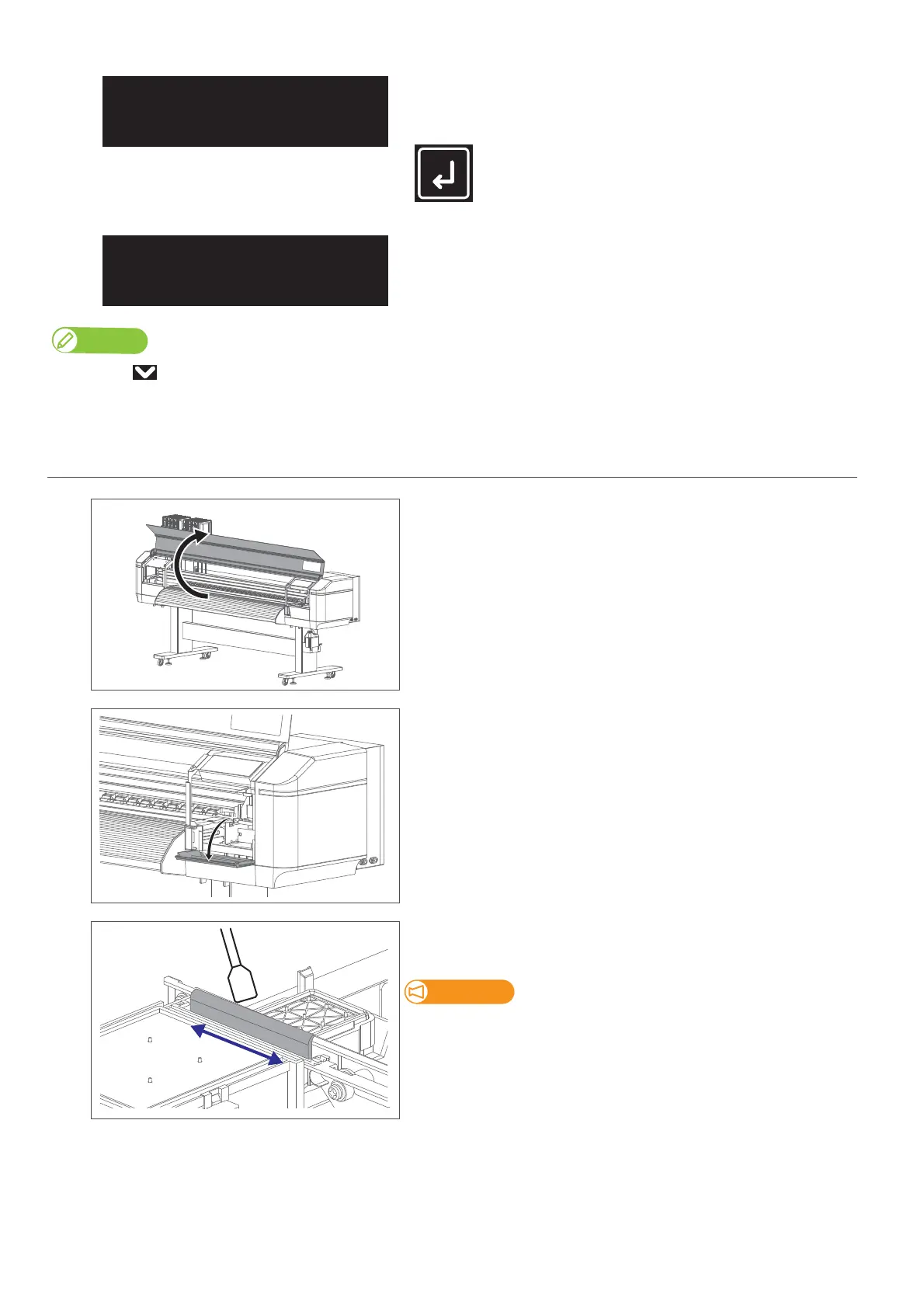
2. Cleaning the cleaning wiper
[1]
Open the front cover.
[2]
Open the maintenance cover on the right side.
[3]
Wipe the cleaning wiper with a cleaning stick.
• Wipe the left side of the wiper back and forth.
If it is hard to remove the stain, perform “Short” Head cleaning, and then
clean again.
CR Maintenance
Start -> Enter
CR Maintenance
End -> Enter



 To Next Page