140 Long-term storage
[9]
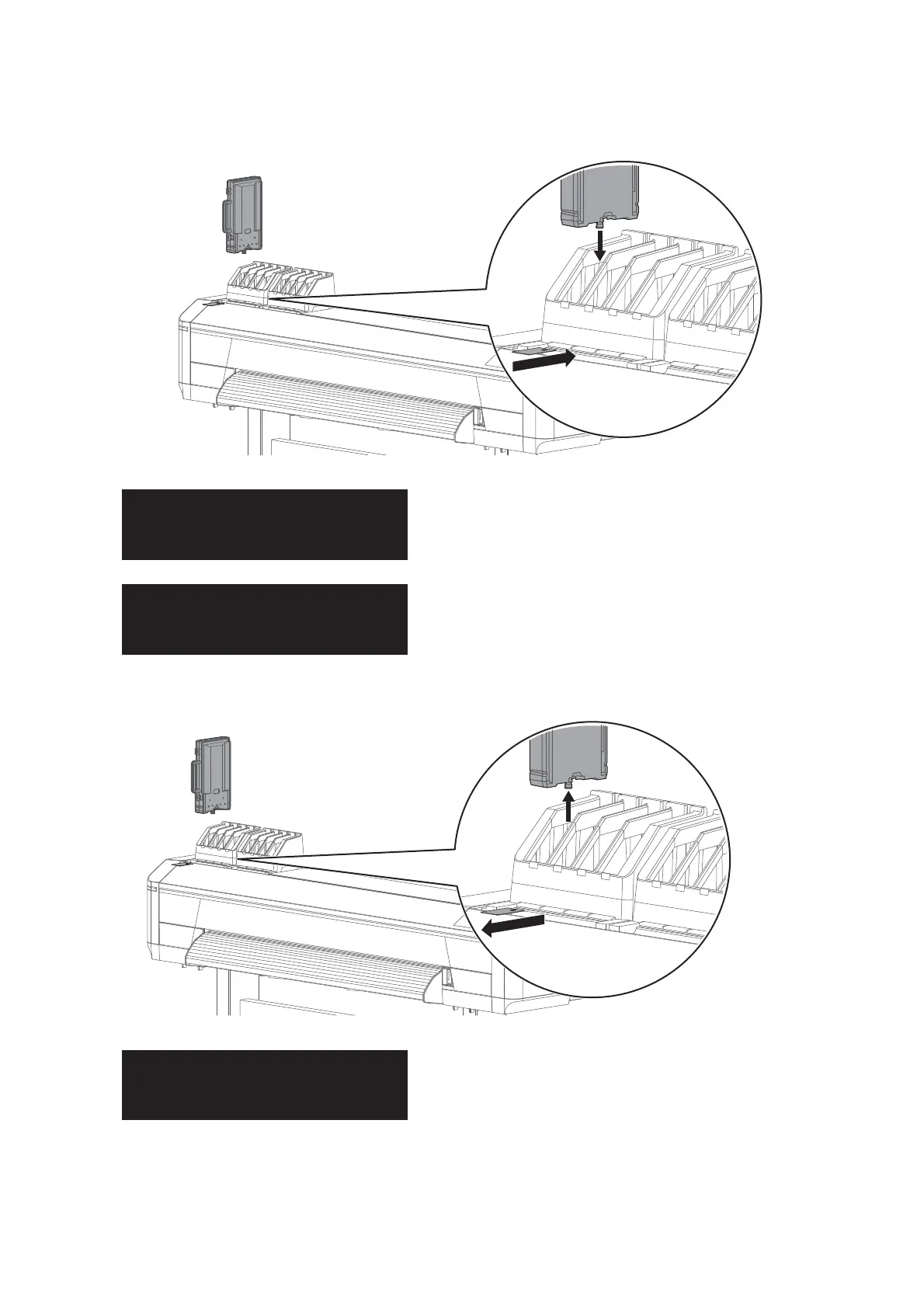
Insert the ink bag cases with cleaning bags and S/C cards into each slot.
• Face the latch side toward you and insert the case into each slot.
• Make sure that they are fully inserted.
The message on the left will appear.
• Charging of the cleaner begins.
When charging of the cleaner is complete, the message to the left is
displayed.
[10]
Remove all ink bag cases and S/C cards.
The message on the left will appear.
• Cleaner discharging begins.



 To Next Page