34 Head alignment (XPJ-1682SR Only)
Head alignment steps
[1]
Turn the printer ON and load a roll media.
"Loading a roll media" P. 22
[2]
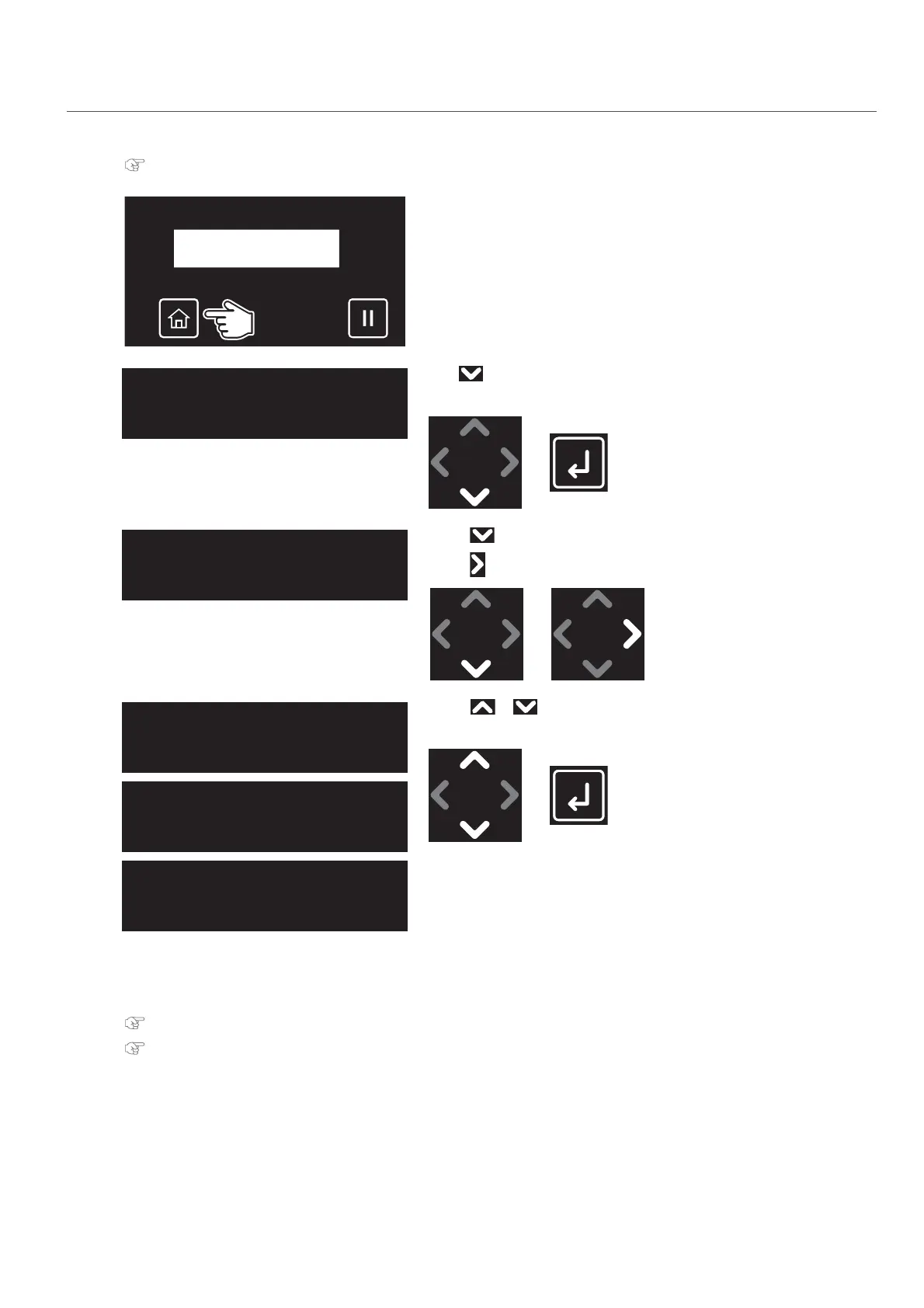
Tap [Home].
[3]
Tap until the menu on the left appears.
•Tap [Enter].
[4]
• Tap until the menu on the left appears.
•Tap .
[5]
• Use or to choose the alignment method.
•Tap [Enter].
[6]
The printer will print the confirmation pattern.
[7]
Follow the steps below to align the two print heads.
"Standard or Custom Adjustment Methods" P. 96
"Auto Adjustment Method" P. 98
Adjust Head 1
Standard
Adjust Head 3
Auto
Adjust Head 2
Custom



 To Next Page