Menus you can access while printing 51
You can check the current status of the print job being printed.
• See the following related sections of Panel Setting Menus:
"Menu 8: Job Status" P. 104
Menu 7: Job Status
[1]
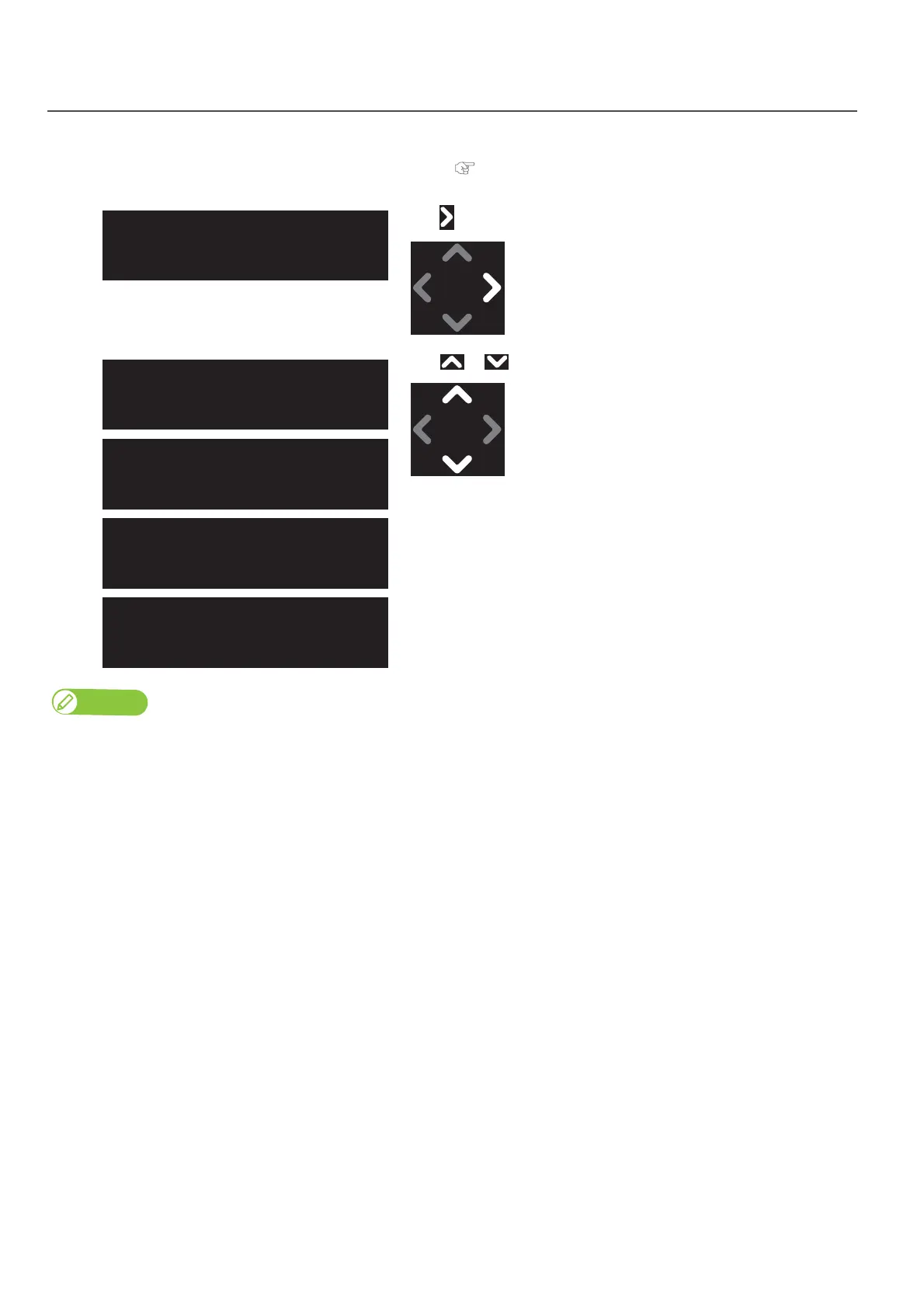
Tap .
[2]
Use or to choose the information you want to check.
• ToDoLength: displays the length of the current job (in media feeding
direction).
• Done: displays the length of the current job that has been already printed.
• Remain: displays the remaining length to finish printing.
• Remain time: displays remaining time to finish printing.
Note
• Indicated value is approximate. The accuracy of the value is not guaranteed.
• If the print job data does not contain length information, “0” will be displayed in the Job Status menu.
Job Status
ToDoLength: 0.0 m
Job Status
Done: 0.0 m
Job Status
Remain: 0.0 m
Job Status
Remain Time: 0.0 min



 To Next Page