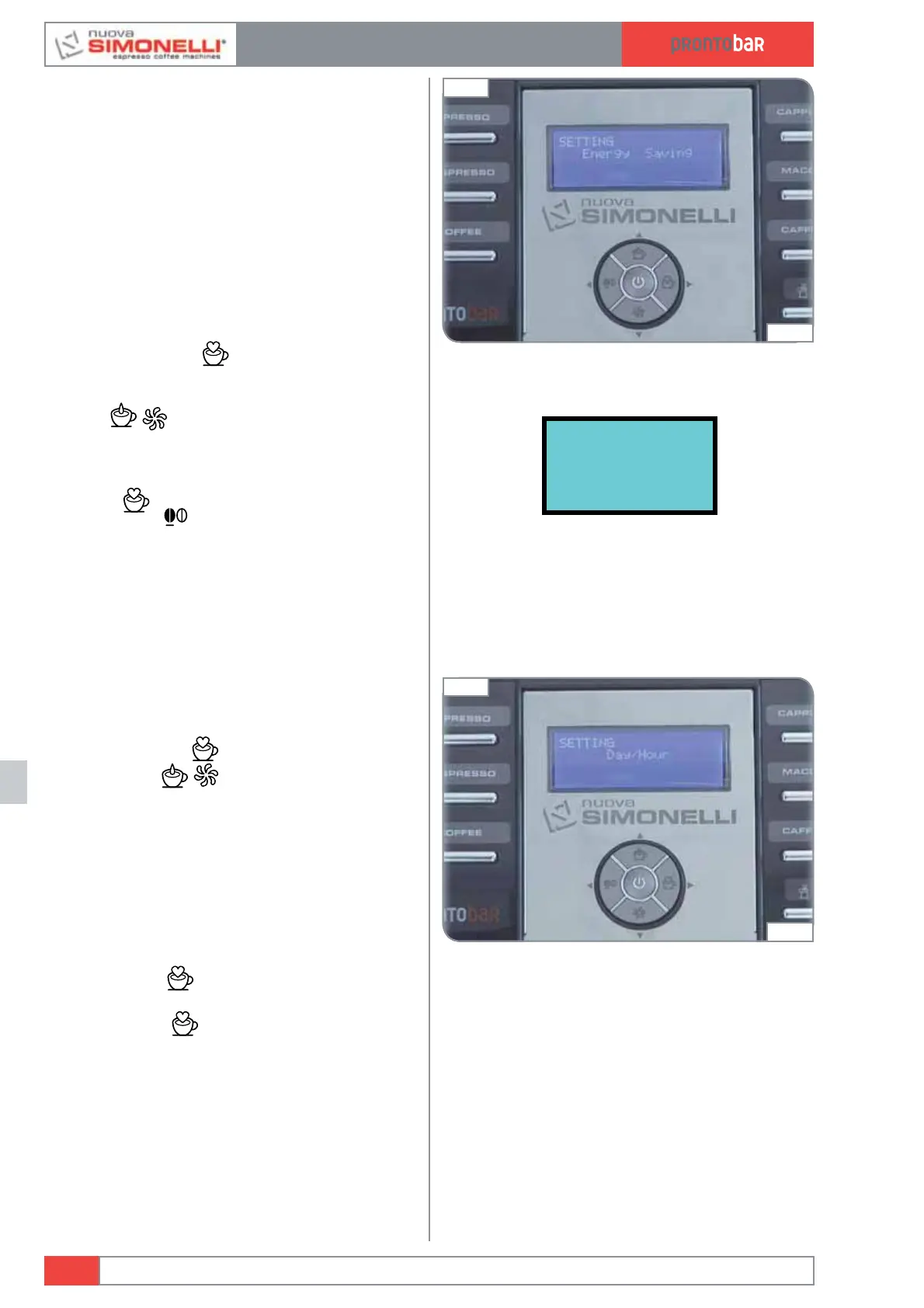
ENERGY SAVING
This is used to set the time after which the
machine enables the energy-saving device, while
still keeping the water tank at working tempera-
ture.
Press the ENTER
key to access the sub-
menu.
Use the
keys to increase / decrease the
time after which the ENERGY-SAVING function is
enabled by 30-minute intervals. This function
is deactivated if the timer is left at zero.
Press
ENTER
to confirm the setting and then
press
RESET
to quit the sub menu.
1 Hours: Minutes
DAY/HOUR
This programmes the day, hour and minutes,
which will be shown on the machine display.
Pressing
ENTER
it is possible to enter the
sub menu; the
keys are used to choose
the minutes required.
Press ENTER
to confirm the selection and
set an hour and then the day.
Press ENTER
to confirm and to quit the
submenu.
Edition 02 to 02/2014
12.14
SERVICE MANUAL
Fig. 296
04:47
Fig. 297
04:52













 To Next Page