- 14 -
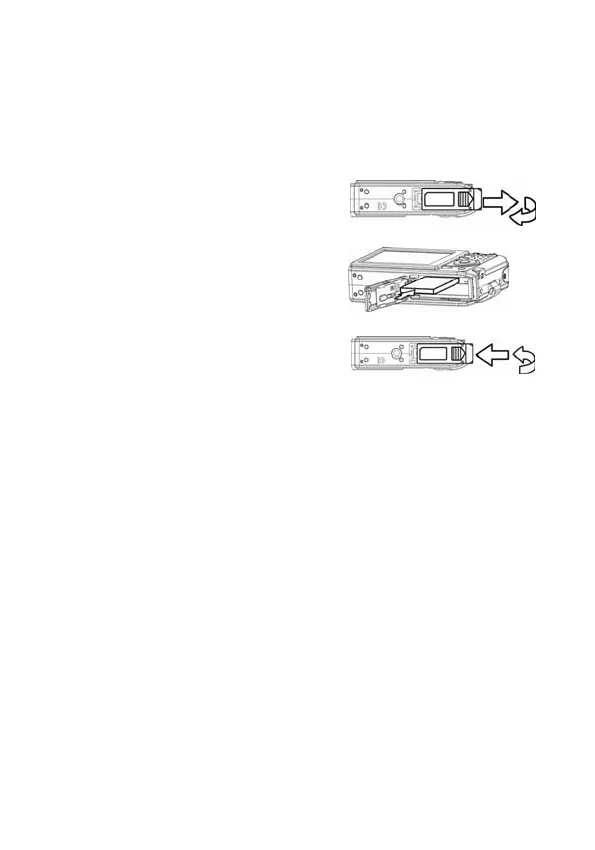
Inserting a Memory Card
You can use an SD Card or MMC Card with this digital camera.
The memory card slot is located beneath the battery cover,
adjacent to the battery compartment.
1. Be sure that the Nytech DS-5200
is turned off.
2. Slide the battery cover and open
it.
3. Place the card with the label in
the direction of the front of the
camera and the contacts
downwards.
4. Close the battery cover.
To remove the memory card,
ently
press on the edge of the card and
release it. Pull the card out and
close the battery cover.
About Camera Memory
The digital camera is equipped with internal memory. If the
memory card is not inserted in the camera, all images and
movie clips recorded by the camera will be stored in the internal
memory. If the memory card is inserted, images and movie
clips are stored on the memory card. The size of the internal
memory is 25MB.



 To Next Page