- 16 -
NOTE:
If you hold down or , you can change the value quickly.
For printing images with Date & Time, see page 41.
If the batteries are removed for about 48 hours, the Date &
Time setting will be lost. In this case, make these settings again.
Basic Operations
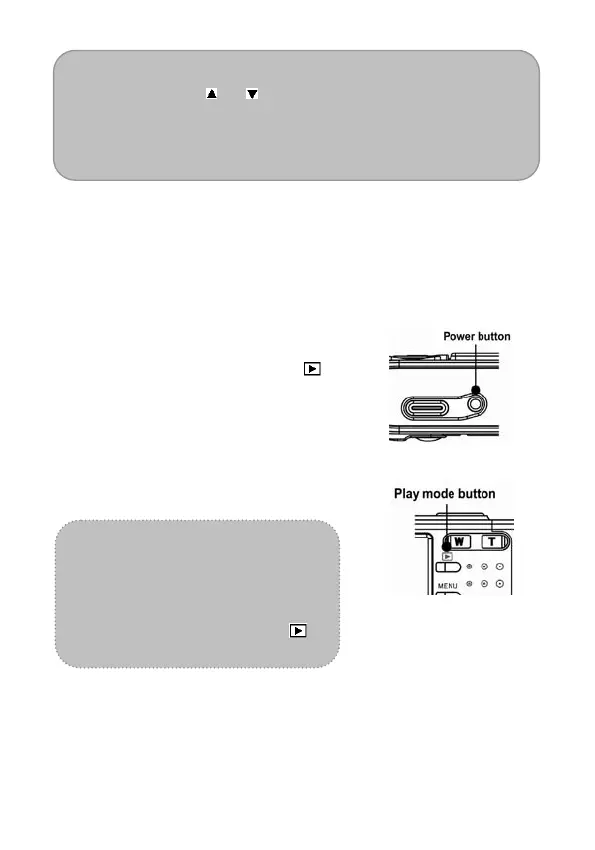
Turning the Power On and Off
1. Press the POWER button to turn
on the camera in the Record
mode. Or you can press the
button to turn on the camera in the
Playback mode.
2. Press the POWER button again to
turn the power off.
Tip:
You can turn on the camera
without the start-up and
operating sound by pressing and
holding the POWER or the
button over 1.5 seconds.



 To Next Page