- 22 -
Setup Menu
You can change the basic settings of the Nytech DS-5200 in
Record mode and Playback mode.
1. Press the MENU button to display the menu.
The menu displayed depends on whether you are in the
Record mode or the Playback mode.
2. Press
or to select SETUP ( ) and then press the SET
button to display the Setup menu.
3. Press
or to select a menu item and then press or the
SET button to launch the submenu.
4. Press
or to select an option and press or the SET
button to apply the setting.
5. Press the MENU button to close the menu.
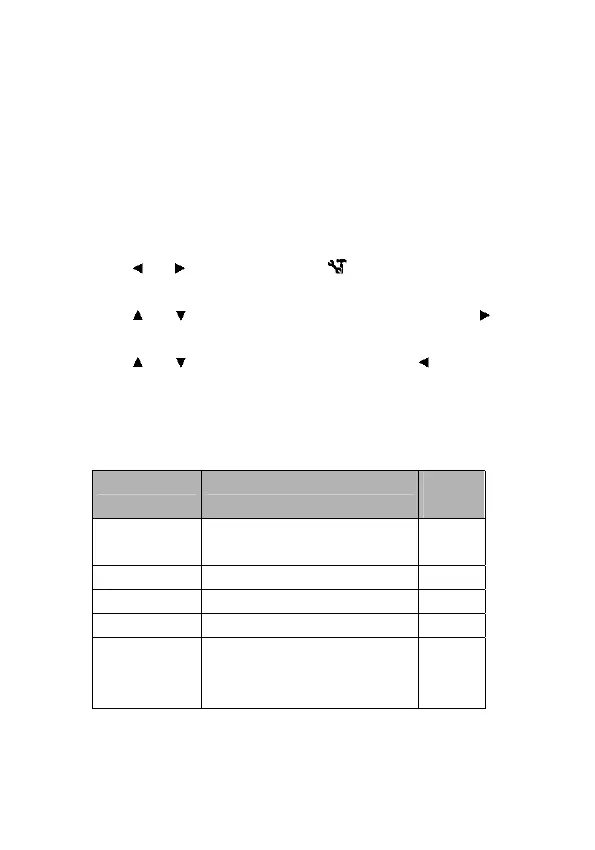
Setup Menu
Menu Item Available Setting Refer
page
Sounds
Sets the camera sounds
and volume.
54
Auto Review Off / 3 sec. / 5 sec. 54
Power Save Off / 1 min. / 3 min. / 5 min. 55
Date & Time Sets the date & time. 15
Language
English / Spanish / German
/ French / Italian /
Portuguese / Dutch / Czech
56



 To Next Page